Access Advanced Courses
The Advanced series is where we begin teaching Microsoft Access to do the work for you. These lessons bridge the gap between the Expert series and the Developer series by introducing automation concepts such as macros, events, dynamic forms, automated searches, business rules, audit logging, and smarter user interfaces. You'll learn how to build databases that react to user actions and automate repetitive tasks, all while minimizing the amount of programming required. While we won't dive deeply into VBA just yet, these classes will give you a strong foundation in event-driven database design and prepare you for the full programming techniques you'll learn in the Developer series.
| Microsoft Access Advanced Courses | Options Sort: Date Title | Display: Full Compact | | | | | Access Advanced 1 Learn how to automate and enhance your databases with macros and events in Microsoft Access. This course covers creating and customizing both standalone and embedded macros, using if then else logic for smart automation, and handling common form actions with event-driven techniques. You'll explore practical macro examples, understand limitations versus VBA, and work with key features like the Macro Builder, event arguments, and conditional logic to build dynamic, user-friendly database solutions. | | 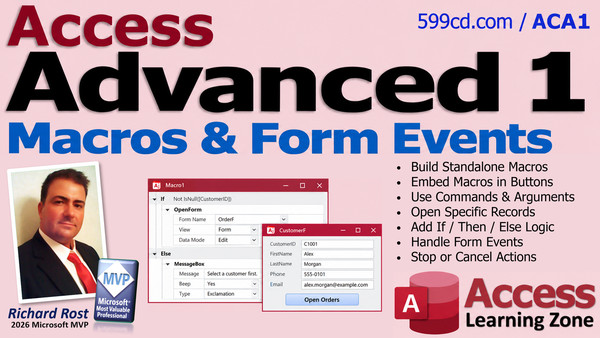 |
| | | | Access Advanced 2 Learn advanced techniques for building smarter databases by adding an "Add New Order" button with macros, preventing users from creating child records before parent orders with events like Before Insert, and creating dynamic toggle button captions that switch between "Quotation" and "Invoice" using GoToControl and SetValue commands. Streamline your data entry processes and enhance your forms with interactive features, while gaining practical skills in control properties, form events, and automating business logic in Microsoft Access. | | 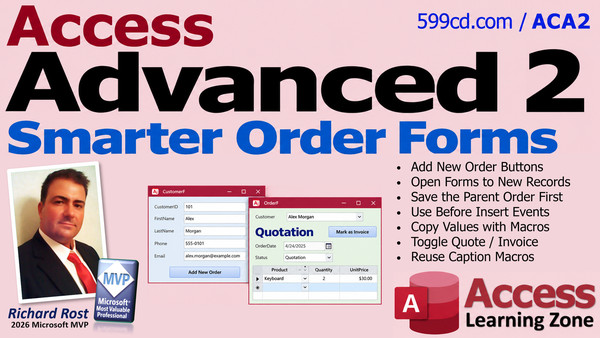 |
| | | | Access Advanced 3 Unlock advanced form features as you learn to automate and enhance your databases using macros in Access. Discover how to dynamically change form control properties like ForeColor, BackColor, and font size, resize fields on focus, and manage visibility, locking, and password protection for sensitive records. The course also covers customizing forms with event-based formatting, setting up user interaction with toggle buttons and input prompts, and explores property measurement units. Perfect for anyone looking to refine database interfaces, improve workflow automation, and increase security with field locking techniques. | | 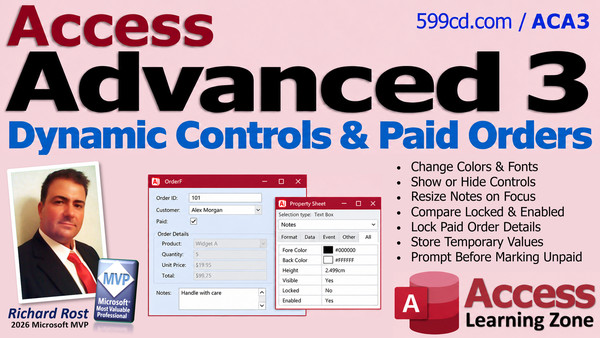 |
| | | | Access Advanced 4 Advance your database skills by learning to automate tasks with macros, add security by requiring a password prompt to open forms, and streamline customer label printing using multiple methods including form-based and macro-driven approaches. Discover how to customize invoice and quote text with build events, organize your database with macro groups and submacros, and leverage settings tables and DLookup for reusable solutions. This course guides you through practical techniques to make your Access databases more powerful and efficient while introducing tools to enhance your workflow. | | 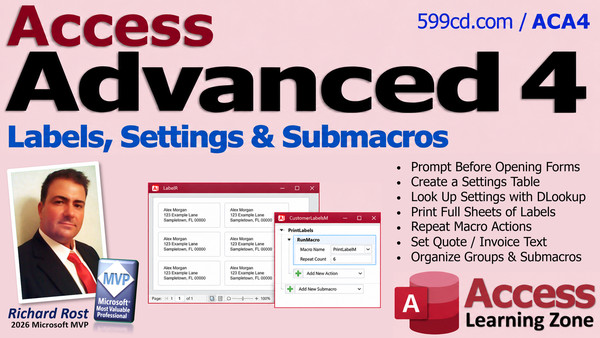 |
| | | | Access Advanced 5 Advance your database skills by automating key workflows using macros to manage separate billing and shipping addresses for customers and orders, set up list boxes for item moves, and streamline forms and reports for better data accuracy. Explore creating "ship same as billing" checkboxes, updating addresses dynamically, moving items between list boxes with SQL and macros, and leveraging built-in automation like AutoExec and error handling. The course also covers using the macro design tab, custom buttons and actions, and best practices for adding robust, user-friendly features without external add-ons. | | 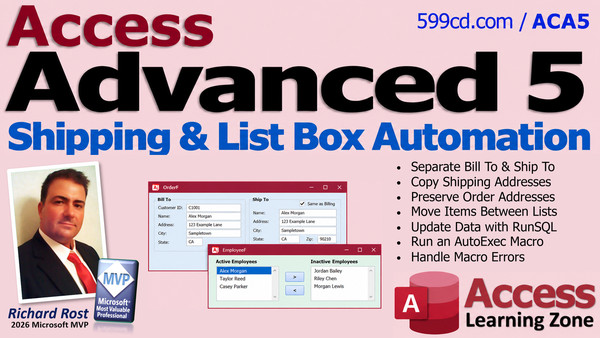 |
| | | | Access Advanced 6 Take your database skills further by learning how to create dynamic SQL search boxes that let users filter forms using flexible, multi-criteria queries with the LIKE keyword, all enhanced with macro events for easy searching. Discover how to automate data macros at the table level to enforce business rules, perform calculations, and handle errors directly in your tables. This advanced course also covers best practices for managing macros versus VBA, introduces automated audit logging, and points you toward valuable developer resources and support. | | 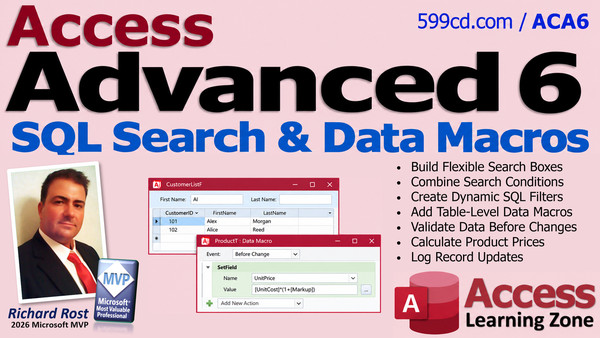 |
Next up... the Developer Series...

Become a Member. Save 50%
Join my Learning Connection program. Get the next class in the series each week at a 50% discount. Cancel any time. The most effective way to learn. Also, don't forget to check out my TechHelp videos! New lessons released almost every day.
|




