|
||||||
|
||||||
|
||||||
|
||||||
Access Developer 3Variables, Random Numbers, For Next LoopsWelcome to Access Developer 3. In this course you will learn how to work with memory variables, generate random numbers, use constants, and build For Next loops in Microsoft Access using VBA programming. We will discuss different variable types, create a math quiz, handle user input, and add new sales reps to your database through combo boxes and input boxes. Additionally, you will see how to check for duplicate records, prompt for user confirmation, and apply good programming practices to make your database applications more flexible and efficient. Lessons
Resources
Learn MoreLesson SummaryWelcome! Memory Vars, Random, Const, Loops - Welcome to Microsoft Access Developer Level 3. In this course we will continue building on the concepts from Developer Levels 1 and 2, as well as the beginner, expert, and advanced series. We will cover topics such as memory variables, random numbers, constants, for next loops, and different variable types in VBA programming. I will also discuss working with add links for data entry, specifically how to add new sales reps when they are not yet in the combo box. This course is recorded using Access 2016, but most content is applicable to earlier versions as well.
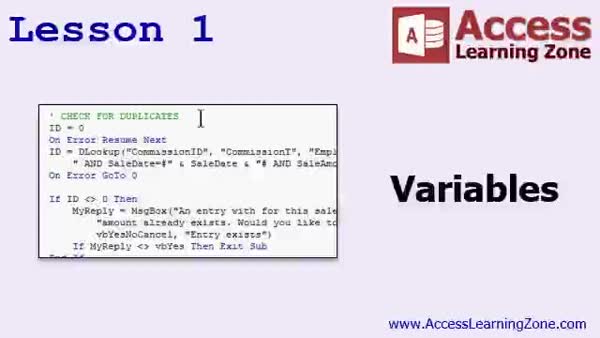
Lesson 1: Check Duplicates & Handle Input - In Lesson 1, we will walk through how to use memory variables in Access VBA, specifically by reviewing the commission form built in the last class. I will show you how to check for duplicate records based on employee ID, sale date, and sale amount before logging commissions, using variables and the DLookup function. We will also discuss good programming practices like dimensioning variables, types of variables, and basic error handling with On Error Resume Next. Additionally, I will demonstrate how to prompt the user with a yes/no confirmation if a duplicate entry is detected before adding it to the table.
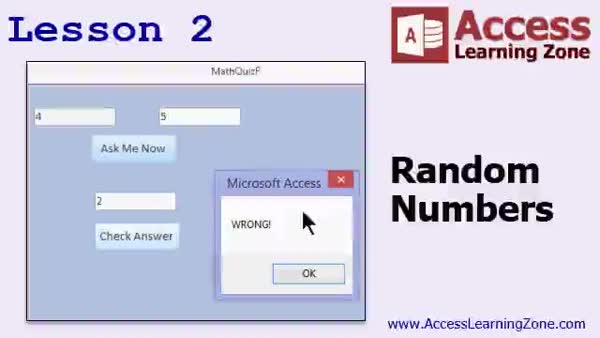
Lesson 2: Random Numbers with Constants & RND - In Lesson 2, we will learn about random numbers and constants in Access by creating a simple math quiz. I will show you how to generate random numbers using the RND function, discuss the importance of using the RANDOMIZE statement, and explain how to use constants for flexibility. We will walk through creating a form that displays two random numbers for the user to add together, enter the answer, and check if it is correct. Along the way, we will reinforce variable usage and cover basic concepts of random numbers in database programming.
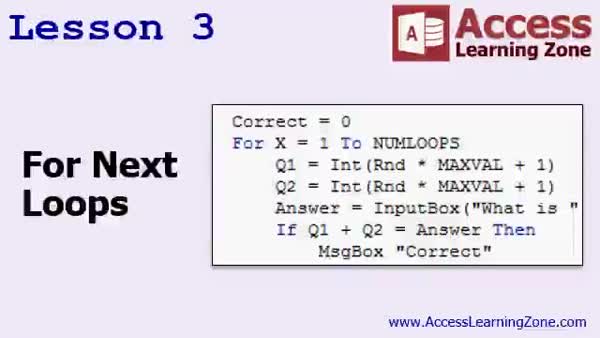
Lesson 3: For Next Loops & Variable Types - In Lesson 3, we will walk through using For Next loops to repeat tasks in your code, specifically creating a simple math quiz that runs a set number of times. I will show you how to declare and use variables of different types, such as Integer, Long, Currency, Double, Single, Boolean, Date, String, and Variant, and discuss when to use each type in your VBA procedures. We will also cover how to collect user input with InputBox, track and display quiz scores, and format results as percentages.
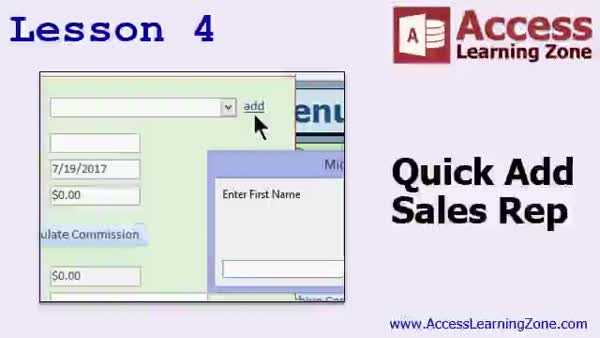
Lesson 4: Add Sales Reps Using Input & Combo Boxes - In Lesson 4, we will walk through how to create a quick add link on the commission form to easily add a new sales rep to the database when entering commissions, especially if the sales rep does not yet exist. I will show you how to use an input box to collect information, check for duplicates, insert the new record, refresh the sales rep combo box, and select the newly added rep. We will also discuss ways to handle related events, set default values, and ensure a smooth data entry process.
Lesson 5: Key Concepts, Loops & More - In this course we learned about using For Next loops in Microsoft Access development, along with an overview of other programming structures such as While loops. We discussed continuing your learning with additional courses, seminar options for advanced VBA topics, where to ask questions in the forums or get tech support, and how to contact customer service. The review also included information about survey feedback, social media, and licensing for Access Developer courses.
NavigationKeywordsVBA variables, random numbers, DLookup, handling duplicates, For Next loops, InputBox, constants, data entry, combo box add, variable types, commission tracking, user confirmation, math quiz, refreshing combo box, tracking quiz scores
More InformationTranscriptWelcome to Microsoft Access Developer Level 3, brought to you by AccessLearningZone.com. I am your instructor, Richard Rost. This class follows Microsoft Access Developer Level 2. I strongly recommend that you have taken Developer 1 and 2, as well as my beginner and expert series of classes. The advanced series is recommended, as it is mostly macros, but I do cover a lot of events and material in that series. Even if you are not going to use macros, it is a good prequel to developing with Access VBA. So, I strongly recommend that you take that series as well, but it is not required. Today's class was recorded with Access 2016. Everything covered should pretty much work in Access 2010 and 2013 as well. In fact, all of the VB code should even work all the way back to Access 2003. VBA really hasn't changed much in the last 14 years or so. If you are not familiar with my classes, the beginner series covered the foundational material. The fundamentals are important; a lot of times, people skip over the beginner lessons if they have done some development in the past, but I cover things like formatting, form design, and lots of tips and tricks that people should know. The expert class covers all the nitty-gritty functions and other advanced features, advanced form and report design. The advanced classes cover macros and events. The Developer series, which you are in right now, covers VBA programming and making your databases professional. If you have been following along since the beginning, you have probably been building your own database. If you want to download my database and work from that, you can find it here at this page. You will need your course password, which was emailed to you when you purchased this class. You will use that password to unlock the databases. Let's take a quick look at what is covered in today's class. In lesson 1, we are going to learn about memory variables and go over the homework from the last class. In lesson 2, we are going to learn about random numbers and constants. We are going to create a little math quiz where you type in the answer from two randomly generated numbers added together. In lesson 3, we are going to learn about for next loops to create a loop in your code to do a certain task. We are going to learn about running tasks multiple times, and we are going to learn about the different types of variables, like single, long, integer, currency, and so on. In lesson 4, we are going to make a quick add link to add a sales rep if you are entering in commissions and the sales rep hasn't been added to the database yet, so they do not show up in the combo box. We will make a little link that will allow the database to ask you for the sales rep first name, last name, commission, and so on. I actually prefer this method. There is something called the on not in list event. That is fine, but I actually like doing it this way better. IntroIn this lesson, you will learn more advanced Microsoft Access VBA techniques, including how to use memory variables, generate random numbers, and create constants. I will show you how to set up a basic math quiz, explain the use of For Next loops, and cover different types of variables such as Single, Long, Integer, and Currency. We will also create a quick add link to insert new sales reps into your database when they do not appear in a combo box, all while building on skills from the previous Developer classes. This is Lesson 3. QuizQ1. Which series is strongly recommended before taking Developer Level 3? A. Beginner and Expert Series B. Only the Advanced Series C. Only the Developer Series D. No previous series are recommended Q2. What is the primary focus of the Developer series? A. Learning Macros only B. VBA programming and making databases professional C. Report Design only D. Data Entry techniques Q3. What is one benefit of taking the Advanced series, even if you are not using macros? A. It covers form design only B. It serves as a good prequel to Access VBA development C. It teaches web design skills D. It is required before any Access course Q4. The VB code taught in this course should work with which versions of Microsoft Access? A. Only with Access 2016 B. 2010, 2013, and 2016 (and back to 2003 for VBA) C. Only Access 2007 and earlier D. Access Online only Q5. What does Lesson 2 focus on? A. Report generation B. Creating a math quiz using random numbers and constants C. Importing data from Excel D. Network database sharing Q6. In Lesson 3, which programming concept will you learn about? A. Creating tables B. For Next loops for repeating tasks and different types of variables C. Designing macros only D. Adding shortcuts to the ribbon Q7. What is covered in Lesson 4? A. Building tables from scratch B. Quickly adding a missing sales rep through a special link C. Backing up your database D. Securing your application Q8. What alternative does Richard prefer over the "on not in list" event for adding new sales reps? A. Using append queries B. Using a dedicated quick add link C. Importing from Excel D. Only adding via forms manually Q9. How can students access the instructor's sample database for the course? A. It is included on a USB mailed to them B. They can download it online using their course password C. It is free for anyone without any password D. It must be installed from a CD-ROM Answers: 1-A; 2-B; 3-B; 4-B; 5-B; 6-B; 7-B; 8-B; 9-B DISCLAIMER: Quiz questions are AI generated. If you find any that are wrong, don't make sense, or aren't related to the video topic at hand, then please post a comment and let me know. Thanks. SummaryToday's video from Access Learning Zone is Microsoft Access Developer Level 3. I am your instructor, Richard Rost. This class builds directly on the skills taught in Microsoft Access Developer Levels 1 and 2, and it also assumes that you are familiar with the material from my Beginner and Expert series of classes. While the Advanced series focuses primarily on macros, I do cover many events and related topics there as well. Even if you don't plan on using macros, I recommend going through the Advanced courses as a helpful way to prepare for Access VBA development, but it isn't strictly required. The lessons in this class were recorded using Access 2016, but everything I cover should work just as well in Access 2010 and 2013. In fact, almost all of the VBA code will work as far back as Access 2003 since the programming basics in Access have not changed much in the past decade or so. If you are new to my courses, here is a quick summary of the structure: The Beginner series covers all of the basic, foundational topics. I always recommend not skipping over these lessons, even if you have some prior development experience, because I include important details on formatting, form design, and a variety of tips and tricks that are essential to working efficiently in Access. The Expert series explores more advanced functions, features, and focuses on complex form and report design. The Advanced classes introduce macros and events, two concepts that are central to workflow automation in Access. And now, the Developer series shifts the focus to VBA programming and making your databases look and function more professionally. If you have been following along with the complete course progression, you have likely already started building your own database. However, if you want to use my sample database as a reference or follow along with the same database I use in class, you can download it from the course webpage. You will need your course password, which was sent to you by email when you purchased this class, in order to unlock the database files. Here is what we will cover in today's sessions: In lesson 1, we start by discussing memory variables. We will also review the homework from the previous class to tie up any loose ends. In lesson 2, we tackle the subject of random numbers and constants. You will learn how to generate random numbers, and we will put this into practice by creating a simple math quiz. The quiz will require you to enter the sum of two randomly generated numbers. Moving on to lesson 3, we will explore for next loops, which are essential for running a block of code repeatedly. We are going to discuss how to use loops to simplify repetitive tasks and examine different types of variables such as single, long, integer, currency, and others. Then, in lesson 4, we will create a quick add link to make it easy to add a new sales rep while you are entering commissions. If the sales rep you need is not already in the combo box list, you will be prompted to enter their first name, last name, commission amount, and so on, directly within this workflow. Personally, I prefer this method over using the on not in list event, which is another option for handling cases when a record does not exist in your list. I find this approach to be more straightforward and flexible. You can find a complete video tutorial with step-by-step instructions on everything discussed here on my website at the link below. Live long and prosper, my friends. Topic ListMemory variables in VBA Reviewing previous homework Generating random numbers in VBA Using constants in VBA Creating a math quiz with random numbers Implementing For Next loops Running tasks multiple times with loops Understanding variable data types: single, long, integer, currency Creating a quick add link for new sales reps Prompting user input to add missing sales reps Primary TopicsVBA memory variables, random numbers, constants, For Next loops, variable data types, quick add form, sales rep data entry Secondary Topicshandling missing combo box values, differences from OnNotInList event, homework review |
||||||||||||||||||||||||||||||||||||||||||||||||||
|
| |||
| Keywords: VBA variables, random numbers, DLookup, handling duplicates, For Next loops, InputBox, constants, data entry, combo box add, variable types, commission tracking, user confirmation, math quiz, refreshing combo box, tracking quiz scores PermaLink Microsoft Access Developer 3 |