| Date | | Title | Summary |
| 2024-05-08 | 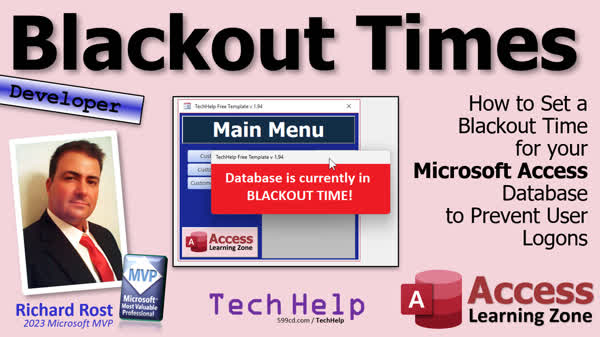 | Blackout Times | How to Set Blackout Times for your Microsoft Access Database to Prevent User Logons |
| 2024-05-07 | 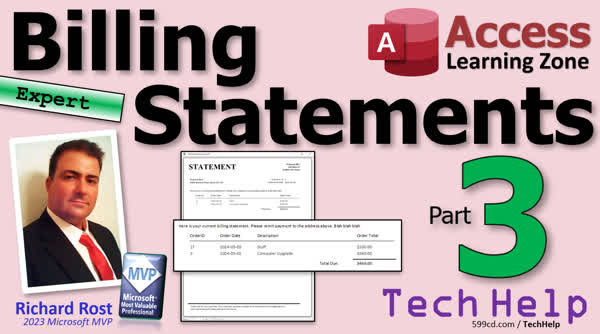 | Billing Statements 3 | How to Create Billing Statements for Unpaid Customer Invoices in Microsoft Access, Part 3 |
| 2024-05-06 | 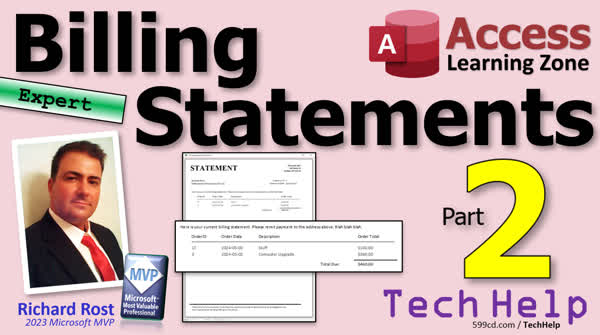 | Billing Statements 2 | How to Create Billing Statements for Unpaid Customer Invoices in Microsoft Access, Part 2 |
| 2024-05-03 | 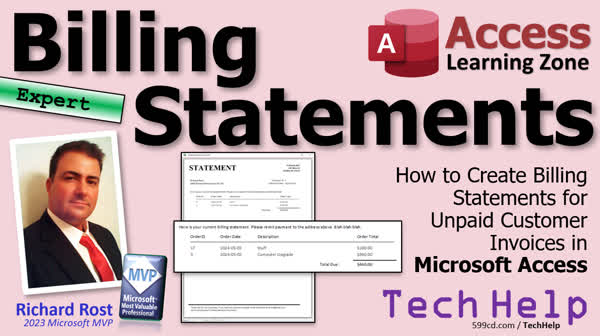 | Billing Statements | How to Create Billing Statements for Unpaid Customer Invoices in Microsoft Access |
| 2024-05-02 | 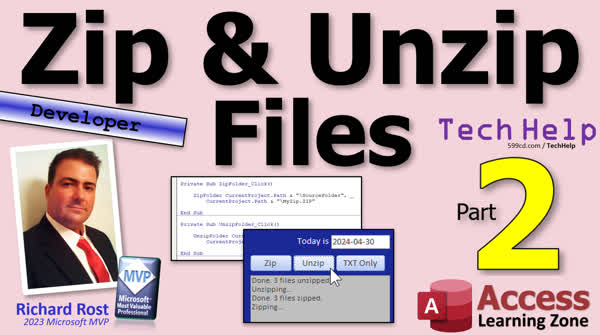 | Zip Unzip Files 2 | How to Zip and Unzip Files and Folders Using Microsoft Access VBA, Part 2 |
| 2024-05-01 | 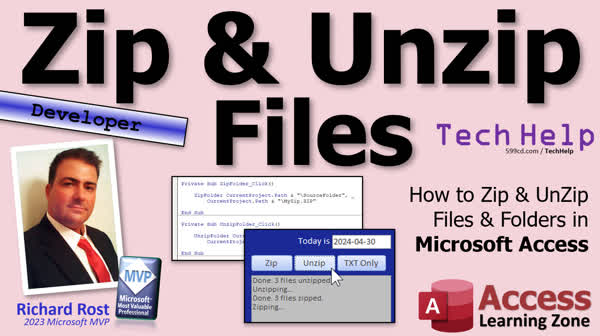 | Zip Unzip Files | How to Zip and Unzip Files and Folders Using Microsoft Access VBA |
| 2024-04-30 | 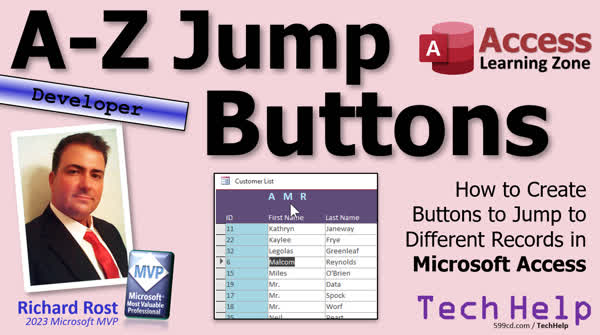 | A-Z Jump Buttons | How to Create Buttons to Jump to Different Records in Microsoft Access |
| 2024-04-29 | 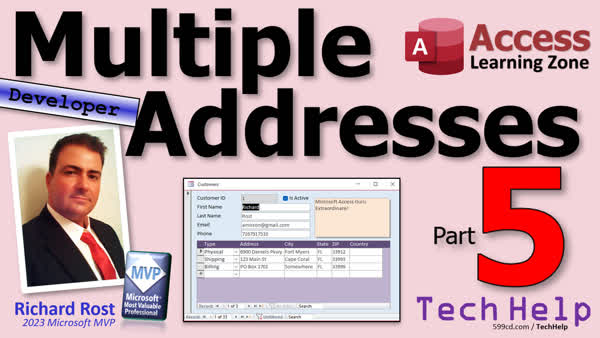 | Multiple Addresses 5 | How to Store Multiple Addresses for a Customer in Microsoft Access, Part 5 |
| 2024-04-26 |  | Multiple Addresses 4 | How to Store Multiple Addresses for a Customer in Microsoft Access, Part 4 |
| 2024-04-25 |  | Multiple Addresses 3 | How to Store Multiple Addresses for a Customer in Microsoft Access, Part 3 |
| 2024-04-24 |  | Multiple Addresses 2 | How to Store Multiple Addresses for a Customer in Microsoft Access, Part 2 |
| 2024-04-23 |  | Multiple Addresses | How to Store Multiple Addresses for a Customer in Microsoft Access |
| 2024-04-22 |  | Extract OLE Image 3 | How to Extract an OLE Image From a Field in Microsoft Access, Part 3 |
| 2024-04-19 |  | Extract OLE Image 2 | How to Extract an OLE Image From a Field in Microsoft Access, Part 2 |
| 2024-04-18 |  | Extract OLE Image | How to Extract an OLE Image From a Field in Microsoft Access |
| 2024-04-17 |  | Immediate Refresh | How to Immediately Update Calculations when Any Field is Updated in Microsoft Access |
| 2024-04-16 |  | Export to Word 2 | Export to Word, Part 2: Export Microsoft Access Reports to Word and Preserve Formatting, Lines, etc. |
| 2024-04-15 | 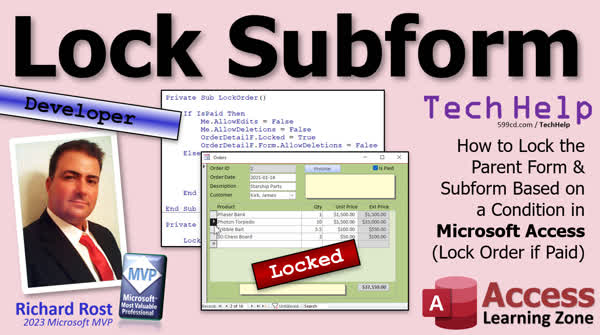 | Lock Subform | How to Lock the Parent Form & Subform Based on a Condition in Microsoft Access (Lock Order if Paid) |
| 2024-04-11 | 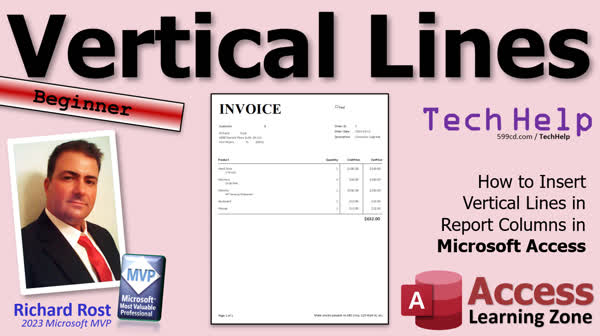 | Vertical Lines | How to Insert Vertical Lines in Report Columns in Microsoft Access |
| 2024-04-10 | 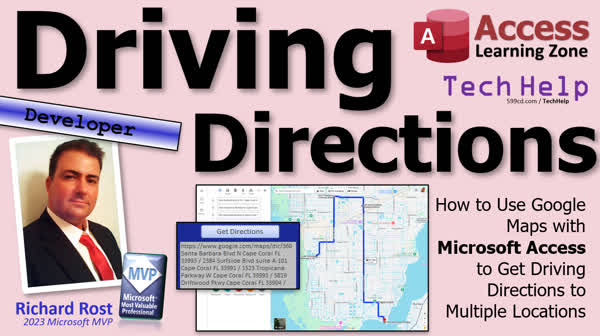 | Driving Directions | How to Use Google Maps with Microsoft Access to Get Driving Directions to Multiple Locations |





