| Date | | Title | Summary |
| 2025-06-03 |  | Attendance 4 | How to Track Attendance in Microsoft Access (Students, Employees, etc.), Part 4 |
| 2025-06-02 |  | Attendance 3 | How to Track Attendance in Microsoft Access (Students, Employees, etc.), Part 3 |
| 2025-05-30 |  | Attendance 2 | How to Track Attendance in Microsoft Access (Students, Employees, etc.), Part 2 |
| 2025-05-29 |  | Attendance | How to Track Attendance in Microsoft Access (Students, Employees, etc.) |
| 2025-05-28 | 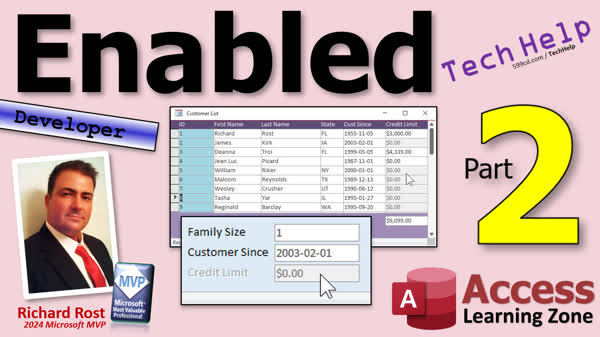 | Enabled 2 | Use the Enabled Property to Allow/Disallow Data Entry in Specific Fields in Microsoft Access, Part 2 |
| 2025-05-27 | 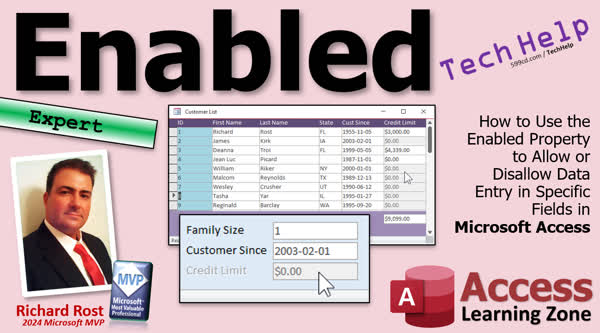 | Enabled | How to Use the Enabled Property to Allow/Disallow Data Entry in Specific Fields in Microsoft Access |
| 2025-05-22 |  | Storing Duplicate Data 3 | How To Store Historical Customer Address Data for Accurate Orders in Microsoft Access, Part 3 |
| 2025-05-21 |  | Storing Duplicate Data 2 | How To Store Historical Customer Address Data for Accurate Orders in Microsoft Access, Part 2 |
| 2025-05-20 |  | Storing Duplicate Data | How To Store Historical Customer Address Data for Accurate Orders in Microsoft Access |
| 2025-05-19 | 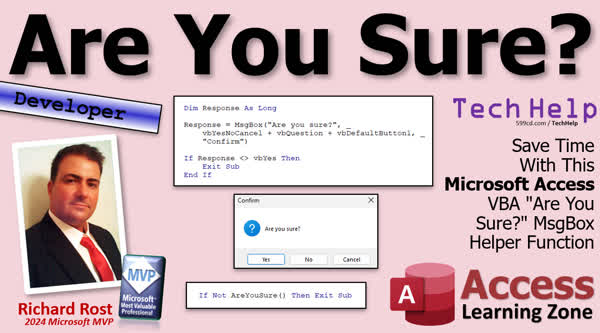 | Are You Sure? | Save Time With This Microsoft Access VBA "Are You Sure?" MsgBox Helper Function |
| 2025-05-15 | 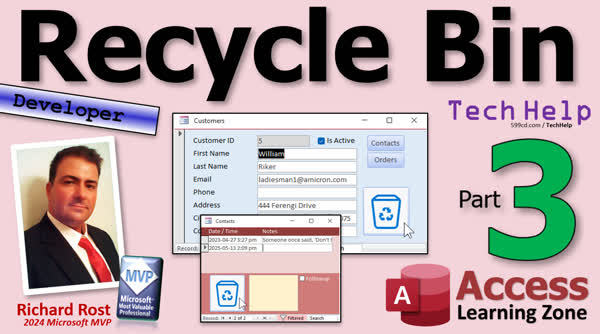 | Recycle Bin 3 | How to Send Records to a Recycle Bin Instead of Deleting Them in Microsoft Access, Part 3 |
| 2025-05-14 | 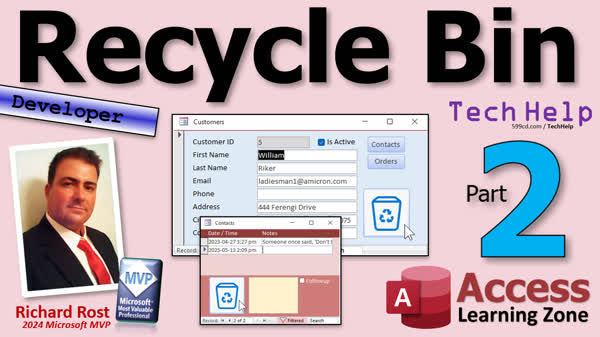 | Recycle Bin 2 | How to Send Records to a Recycle Bin Instead of Deleting Them in Microsoft Access, Part 2 |
| 2025-05-13 | 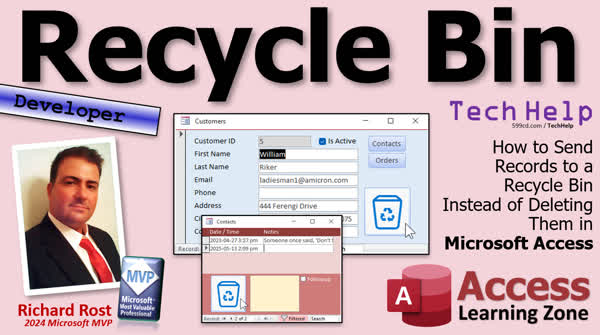 | Recycle Bin | How to Send Records to a Recycle Bin Instead of Deleting Them in Microsoft Access |
| 2025-05-12 |  | Control Name in Nested Subform | How to Reference a Control in a Nested Subform in Microsoft Access |
| 2025-05-08 | 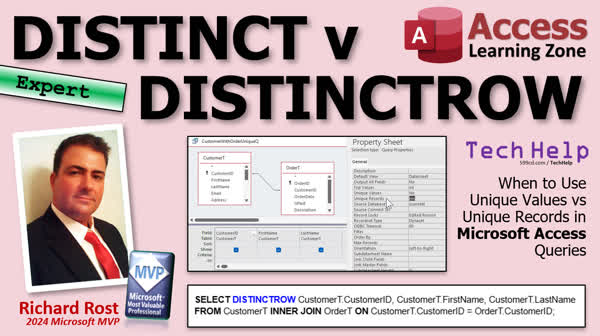 | DISTINCT v DISTINCTROW | When to Use Unique Values vs Unique Records (DISTINCT vs DISTINCTROW) in Microsoft Access |
| 2025-05-07 | 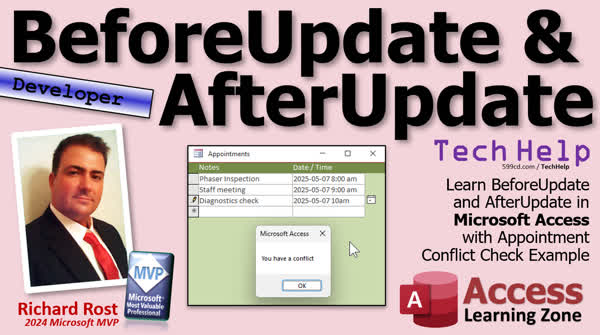 | BeforeUpdate & AfterUpdate | Learn BeforeUpdate and AfterUpdate in Microsoft Access with Appointment Conflict Check Example |
| 2025-05-06 | 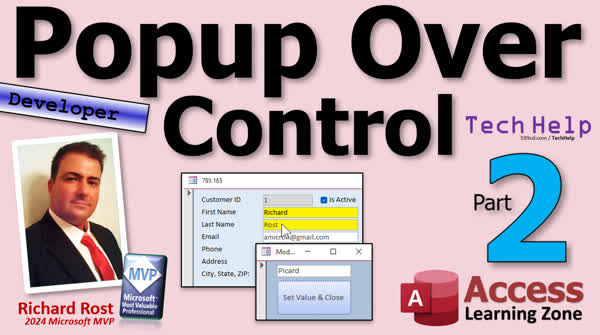 | Popup Over Control 2 | How to Open a Popup Form Over the Active Control and Return a Value in Microsoft Access, Part 2 |
| 2025-05-05 |  | Popup Over Control | How to Open a Popup Form Over the Active Control and Return a Value in Microsoft Access |
| 2025-04-30 |  | Zoom on Click | How to Open the Zoom Box Automatically with a Single Click in Microsoft Access |
| 2025-04-29 | 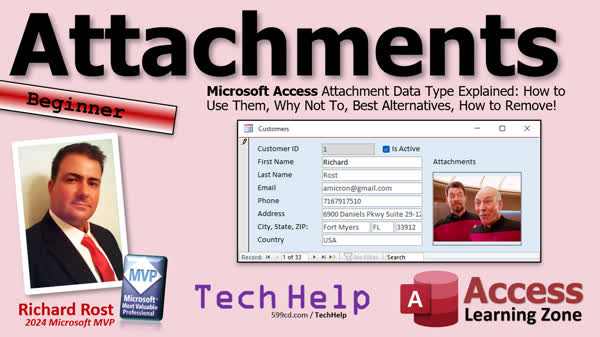 | Attachments | Microsoft Access Attachment Data Type Explained: How to Use, Why Not To, Best Alternatives, Removal |





