| Date | | Title | Summary |
| 2023-01-23 | 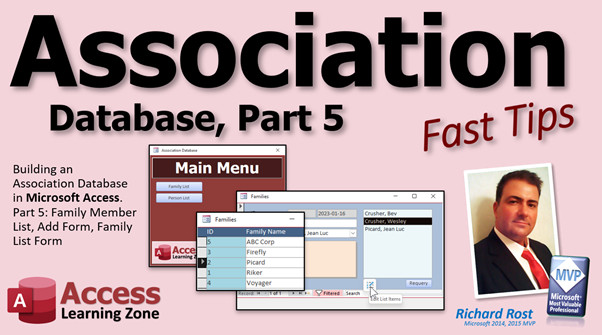 | Association 5 | Microsoft Access Association Database, Part 5: Family Member List, Edit Members, Family List Form |
| 2023-01-20 | 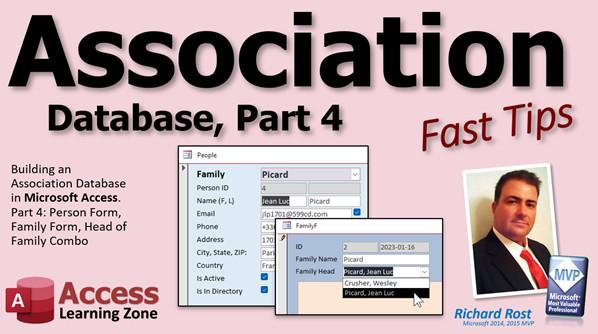 | Association 4 | Microsoft Access Association Database, Part 4: Person Form, Family Combo, Form, Head of Family Combo |
| 2023-01-19 | 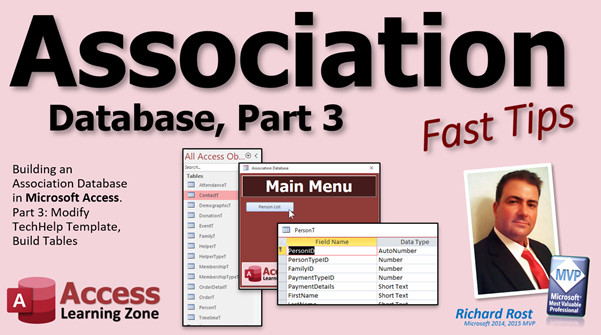 | Association 3 | Microsoft Access Association Database, Part 3: Modifying TechHelp Template, Building All Tables |
| 2023-01-18 | 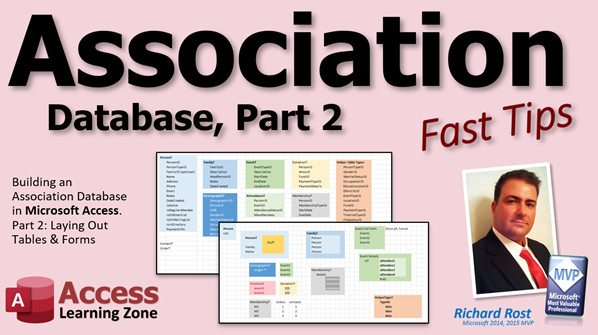 | Association 2 | Microsoft Access Association Database, Part 2: Laying Out Tables and Forms |
| 2023-01-17 | 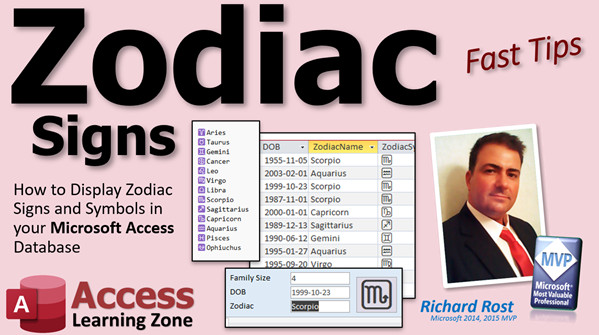 | Zodiac Signs | How to Display Zodiac Signs and Symbols Based on Date of Birth in your Microsoft Access Database |
| 2023-01-16 |  | Images From Web | Display Images from the Web in your Microsoft Access Forms and Reports Using the Image Control |
| 2023-01-13 | 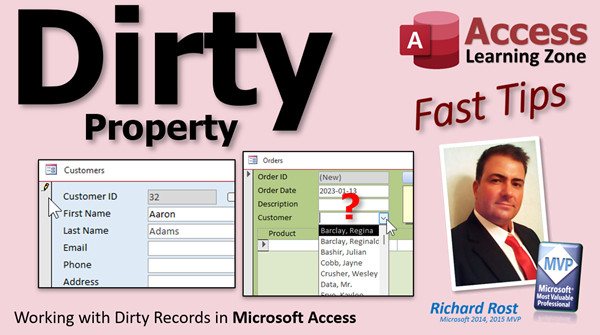 | Dirty | Working with Dirty Records in Microsoft Access |
| 2023-01-12 | 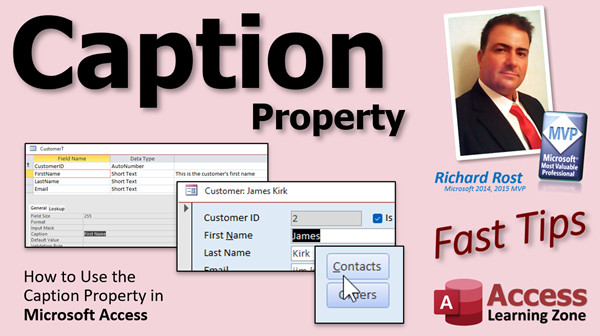 | Caption | How to Use the Caption Property in Microsoft Access |
| 2023-01-11 | 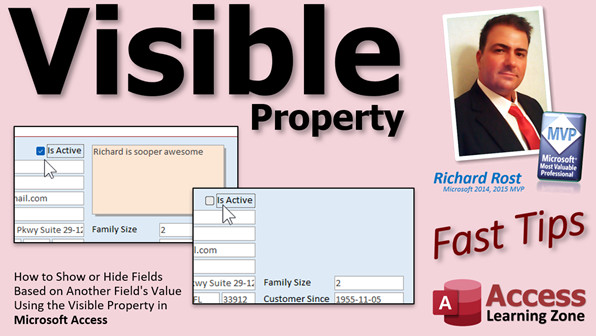 | Visible | Show or Hide Fields Based on Another Field's Value Using the Visible Property in Microsoft Access |
| 2023-01-10 | 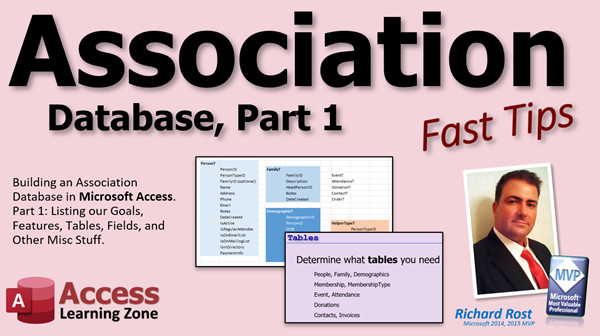 | Association 1 | Microsoft Access Association Database, Part 1 (Groups, Clubs, Churches, Schools, etc.) |
| 2023-01-09 | 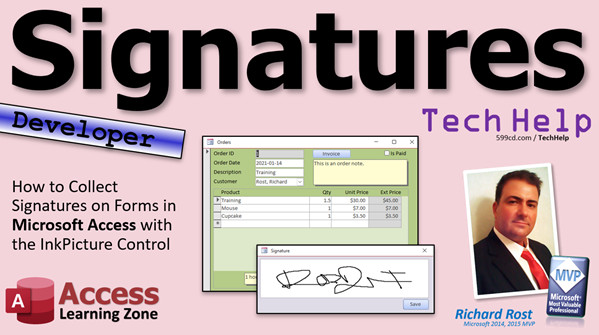 | Signatures | How to Collect Signatures on Forms in Microsoft Access with the InkPicture ActiveX Control |
| 2023-01-07 | 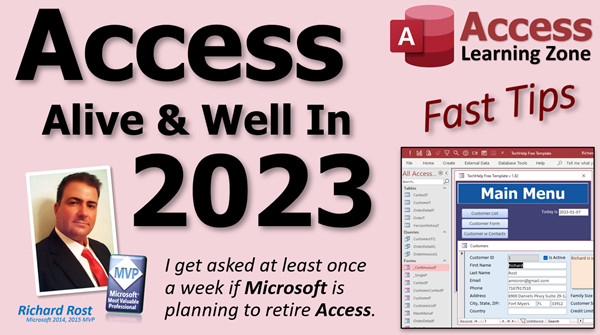 | Alive & Well In 2025 | Microsoft Access: Alive and Well In 2025 |
| 2023-01-06 | 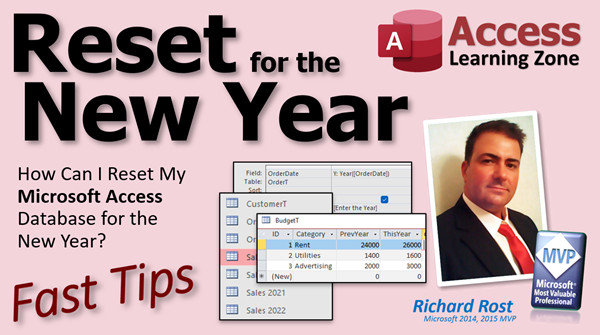 | Reset New Year | How Can I Reset My Microsoft Access Database for the New Year? |
| 2023-01-05 | 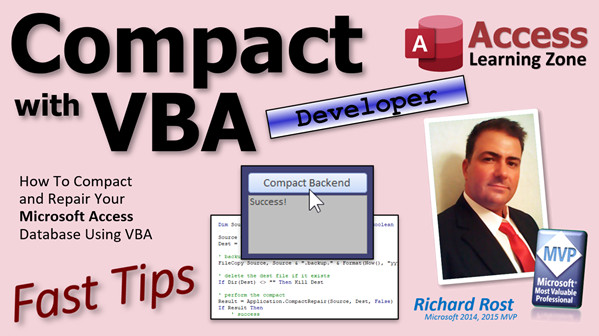 | Compact VBA | How To Compact and Repair Your Microsoft Access Database Using VBA |
| 2023-01-04 | 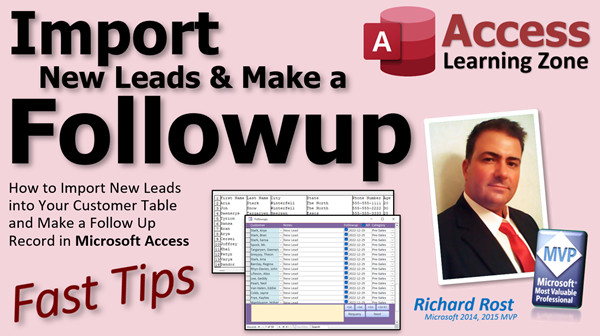 | Import w Followup | How to Import New Leads into Your Customer Table and Make a Follow Up Record in Microsoft Access |
| 2023-01-03 | 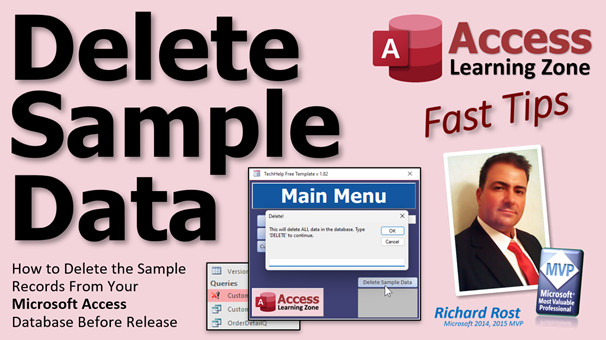 | Delete Sample Data | How to Delete the Sample Records From Your Microsoft Access Database Before Release |
| 2023-01-02 | 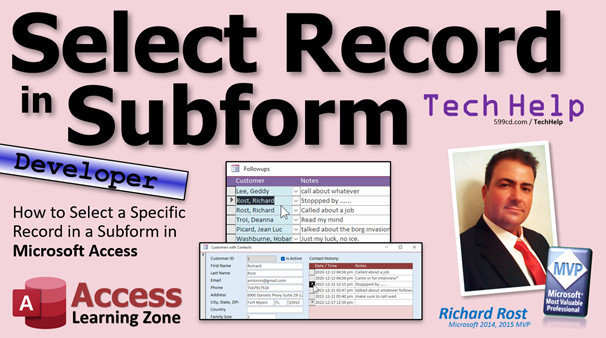 | Select in Subform | How to Select a Specific Record in a Subform in Microsoft Access |
| 2022-12-30 | 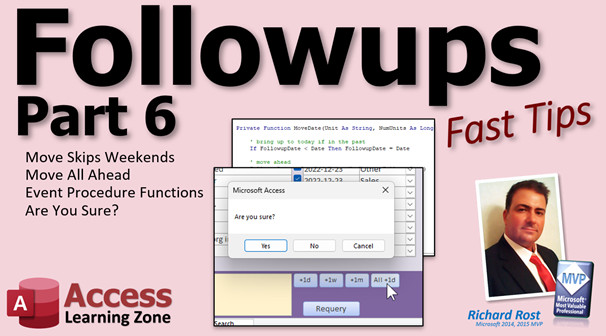 | Followups 6 | Create a Customer Followup Database in Microsoft Access: Part 6 |
| 2022-12-29 | 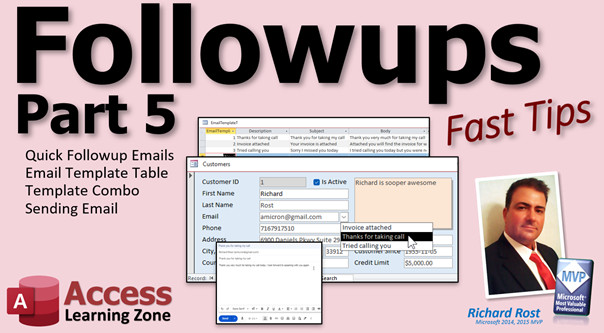 | Followups 5 | Create a Customer Followup Database in Microsoft Access: Part 5 |
| 2022-12-28 | 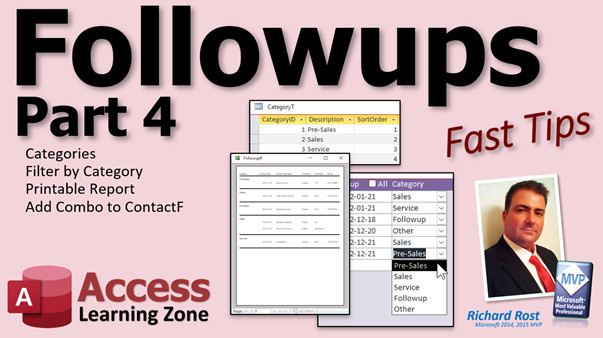 | Followups 4 | Create a Customer Followup Database in Microsoft Access: Part 4 |





