| Date | | Title | Summary |
| 2022-10-24 | 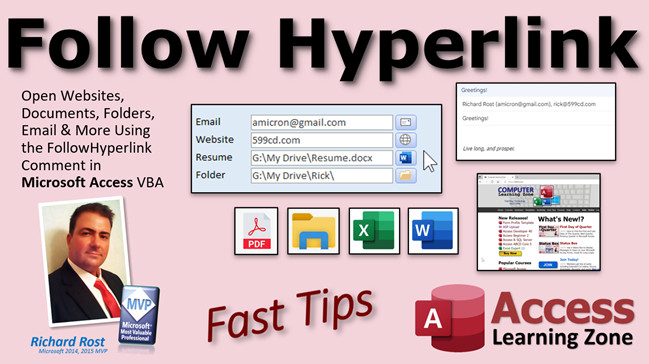 | Follow Hyperlink | Open Websites, Documents, Folders, Email, More Using FollowHyperlink Command in Microsoft Access VBA |
| 2022-10-22 | 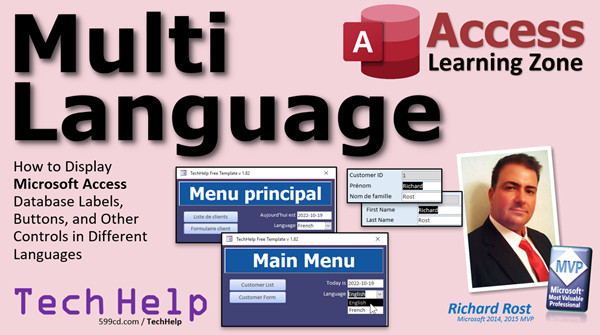 | Multi Language | How to Display Microsoft Access Database Labels, Buttons, and Other Controls in Multiple Languages |
| 2022-10-21 |  | Random Name | How to Build a Random Name Generator in Microsoft Access VBA |
| 2022-10-20 | 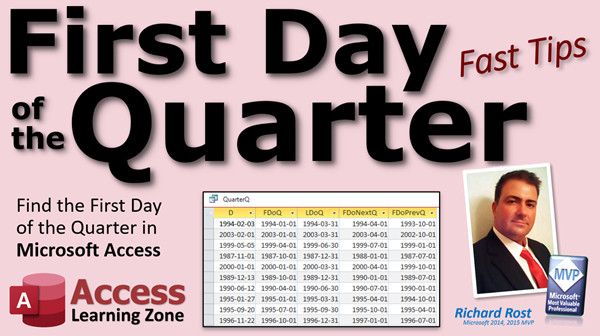 | First Day of Quarter | How to Find the First and Last Days of This Quarter, Next Quarter, Previous Quarter in Microsoft Access |
| 2022-10-19 | 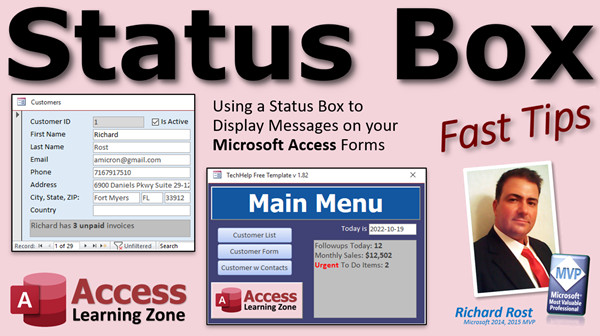 | Status Box | Use a Status Box to Display Messages to Users on your Microsoft Access Forms. Great for Long Loops. |
| 2022-10-18 |  | Sleep | Using the Sleep Function to Make Your Database Wait in Microsoft Access VBA |
| 2022-10-17 | 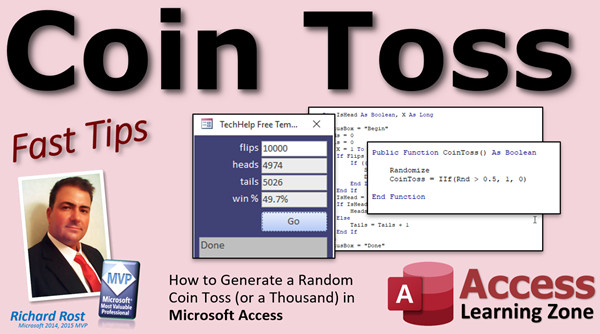 | Coin Toss | How to Generate a Random Coin Toss (or a Thousand) in Microsoft Access VBA |
| 2022-10-15 |  | Age Demographics 2 | Age Demographics in Microsoft Access Using the Switch Function - TechHelp Addendum |
| 2022-10-14 | 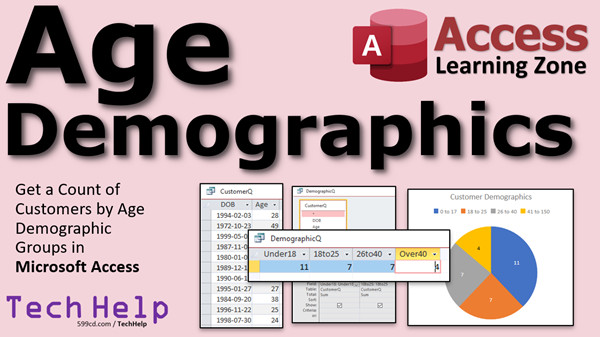 | Age Demographics | Get a Count of Customers by Bracketed Age Demographic Group Ranges in Microsoft Access |
| 2022-10-13 | 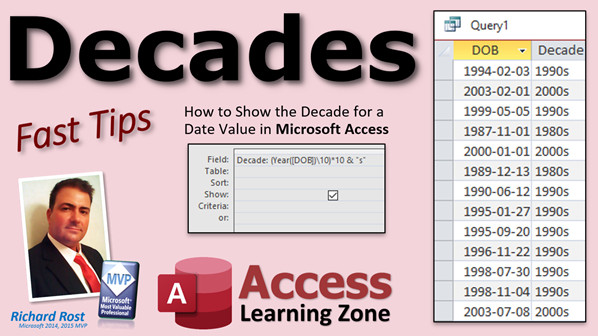 | Decades | How to Show the Decade for a Date Value in Microsoft Access |
| 2022-10-12 | 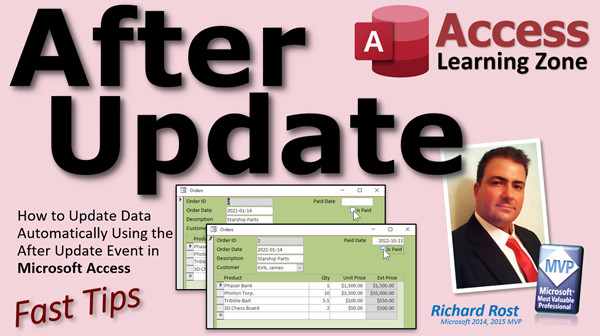 | After Update | How to Update Data Automatically Using the After Update Event in Microsoft Access |
| 2022-10-11 | 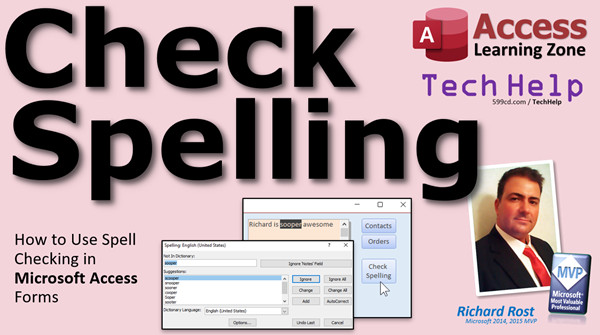 | Check Spelling | How to Check Spelling in Microsoft Access Forms |
| 2022-10-07 | 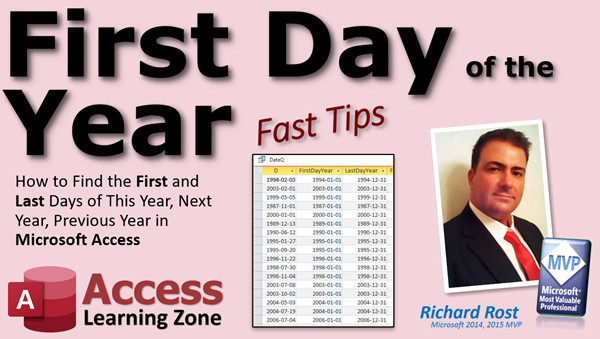 | First Day of Year | How to Find the First and Last Days of This Year, Next Year, Previous Year in Microsoft Access |
| 2022-10-06 |  | Online Images | Display Online Images & Web Pages in Your Microsoft Access Database Using the Web Browser Control |
| 2022-09-27 | 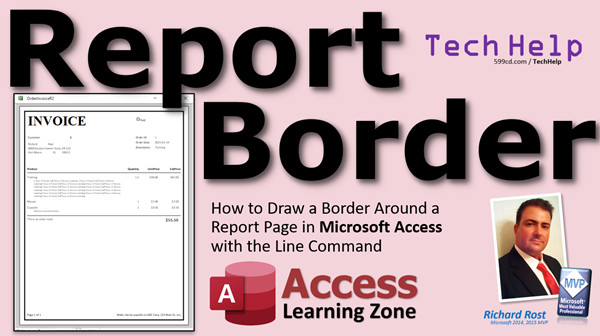 | Report Border | How to Draw a Border Around a Report Page in Microsoft Access with the Line Command |
| 2022-09-26 |  | First Day of Month | How to Find the First and Last Days of This Month, Next Month, Previous Month in Microsoft Access |
| 2022-09-23 | 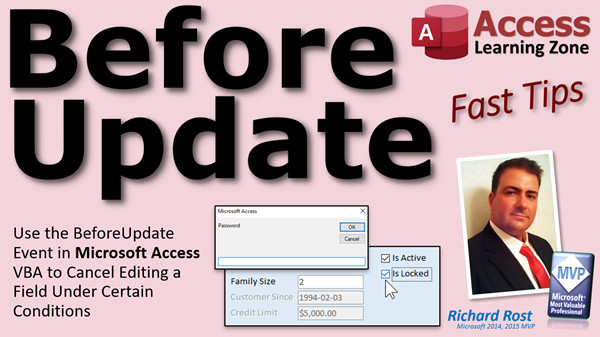 | Before Update | Use the Before Update Event in Microsoft Access VBA to Cancel Editing a Field in Certain Conditions |
| 2022-09-22 |  | Synchronize Subforms | How to Synchronize Multiple Related Subforms in Microsoft Access Without Any VBA Programming |
| 2022-09-21 |  | InputBox | Use the InputBox Function in Microsoft Access VBA to Prompt for User Input, e.g. a Manager Password |
| 2022-09-20 |  | Link Master Fields | What are the Link Master Fields and Link Child Fields Properties in Microsoft Access Subforms? |





