| Date | | Title | Summary |
| 2023-06-20 | 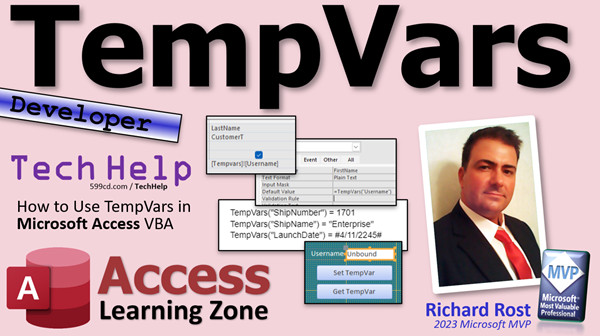 | TempVars | Using TempVars as a Powerful and Flexible Alternative to Variables in Microsoft Access |
| 2023-06-19 | 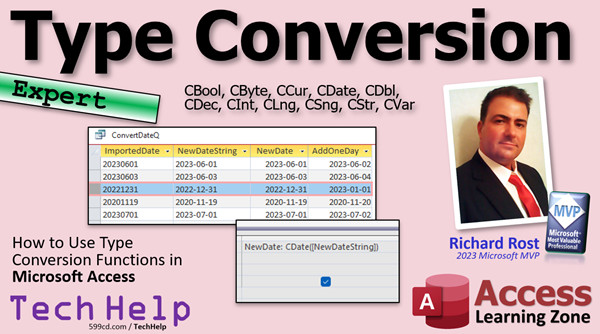 | Type Conversion | Type Conversion Functions in Microsoft Access: CBool, CByte, CCur, CDate, CDbl, CDec, CInt, CLng, CSng, CStr, CVar |
| 2023-06-16 | 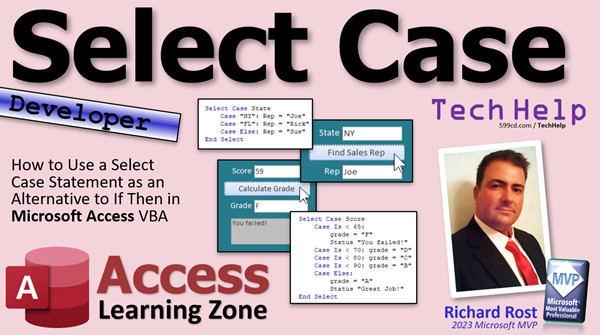 | Select Case | How to Use a Select Case Statement as an Alternative to If Then in Microsoft Access VBA |
| 2023-06-15 | 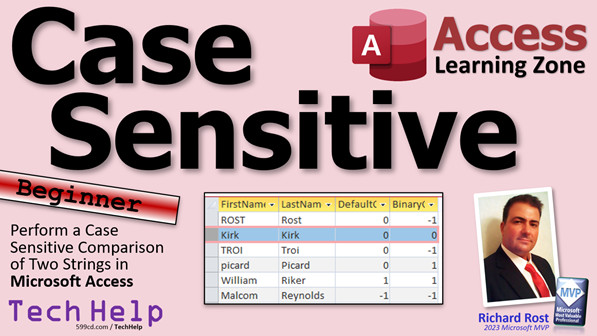 | Case Sensitive | Perform a Case Sensitive Comparison of Two Strings in Microsoft Access |
| 2023-06-14 | 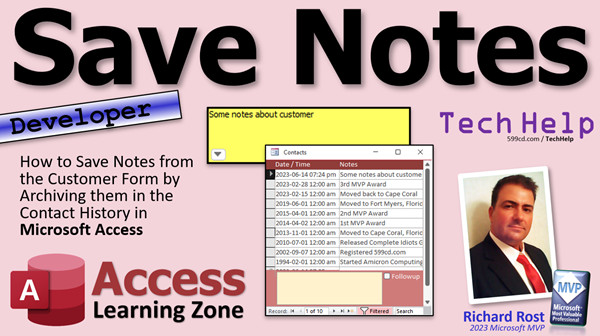 | Save Notes | How to Save Notes from the Customer Form by Archiving them in the Contact History in Microsoft Access |
| 2023-06-13 |  | Email Report | How to Use the SendObject Command to Email an Invoice or Other Report in Microsoft Access |
| 2023-06-12 |  | Delete Query Join | How to Create a Query to Delete Records that are Missing Related Records in Microsoft Access |
| 2023-06-08 | 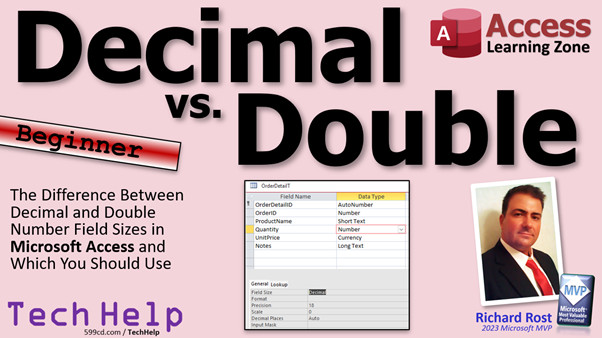 | Decimal vs. Double | Decimal vs. Double Number Field Sizes in Microsoft Access and Which You Should Use Each |
| 2023-06-07 | 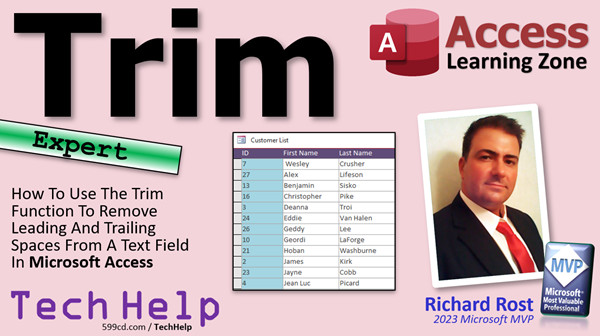 | Trim Function | Use The Trim Function To Remove Leading And Trailing Spaces From A Text Field In Microsoft Access |
| 2023-06-06 |  | Leading Zeros | How to Display Leading Zeros on a Number in Microsoft Access |
| 2023-06-05 | 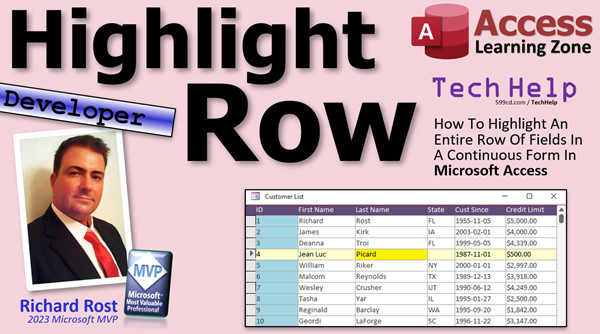 | Highlight Row | How To Highlight An Entire Row Of Fields In A Continuous Form In Microsoft Access |
| 2023-06-02 | 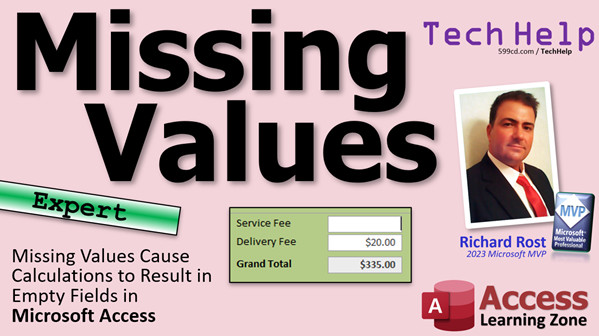 | Missing Values | Missing Values Cause Calculations to Result in Empty Fields in Microsoft Access |
| 2023-06-01 | 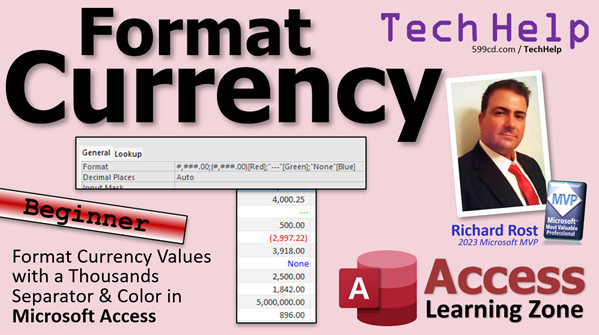 | Format Currency | Format Number and Currency Values with a Thousands Separator and Colors in Microsoft Access |
| 2023-05-31 | 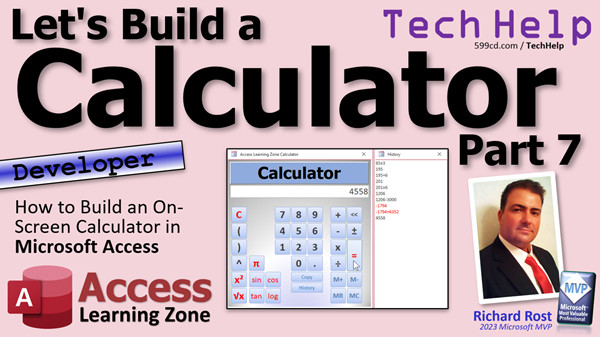 | Calculator 7 | How to Build an On-Screen Calculator in Microsoft Access VBA - Part 7 |
| 2023-05-30 | 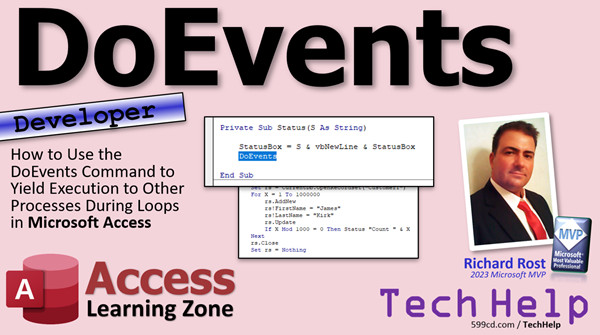 | DoEvents | Use the DoEvents Command to Yield Execution to Other Processes During Loops in Microsoft Access |
| 2023-05-26 | 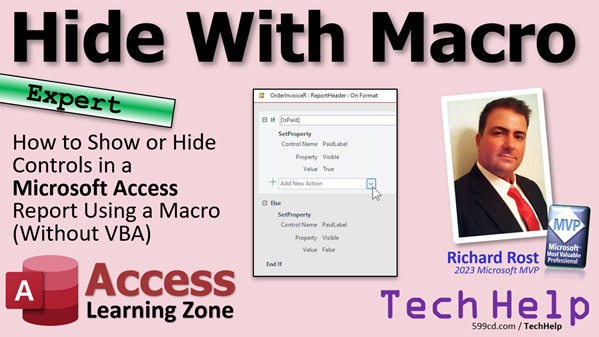 | Hide With Macro | How to Show or Hide Controls in a Microsoft Access Report Using a Macro (Without VBA) |
| 2023-05-25 | 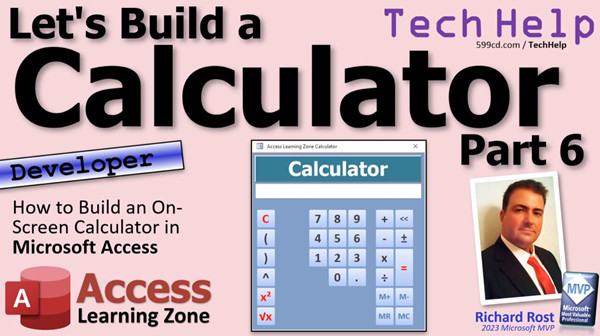 | Calculator 6 | How to Build an On-Screen Calculator in Microsoft Access VBA - Part 6 |
| 2023-05-24 | 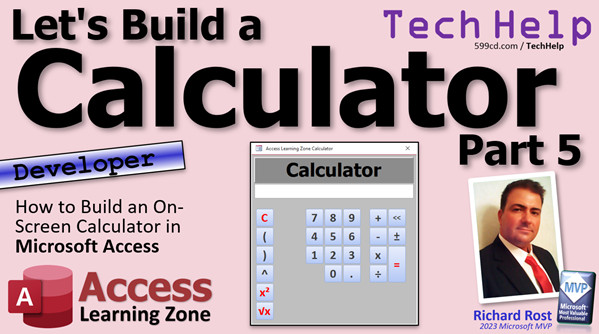 | Calculator 5 | How to Build an On-Screen Calculator in Microsoft Access VBA - Part 5 |
| 2023-05-23 | 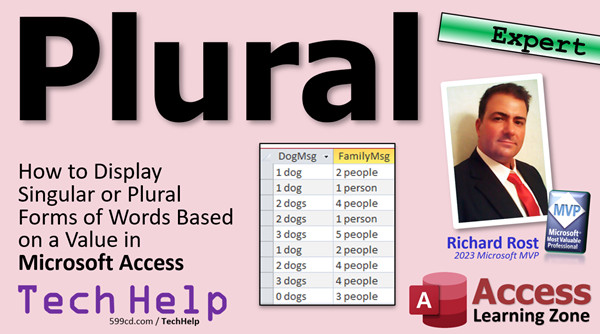 | Plural | How to Display Singular or Plural Forms of Words Based on a Value in Microsoft Access |
| 2023-05-22 | 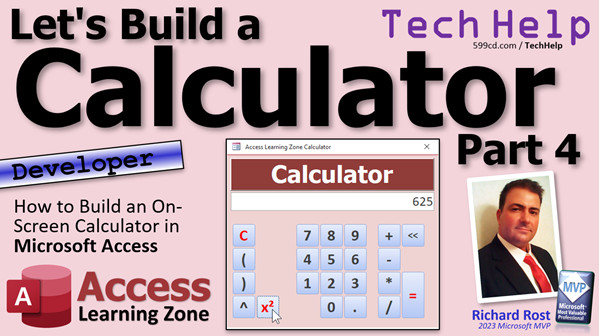 | Calculator 4 | How to Build an On-Screen Calculator in Microsoft Access VBA - Part 4 |





