| Date | | Title | Summary |
| 2021-02-16 |  | Report Listbox | Use a List Box or Combo Box to Display Specific Reports to Print in your Microsoft Access Database |
| 2021-02-16 |  | On Double Click | Using the On Double Click Event in Microsoft Access to Open a Customer Record or Increment a Date |
| 2021-02-15 |  | On Click | Using the On Click Event in Microsoft Access to Increment a Date Field by One Day. OnClick. Label. |
| 2021-02-12 | 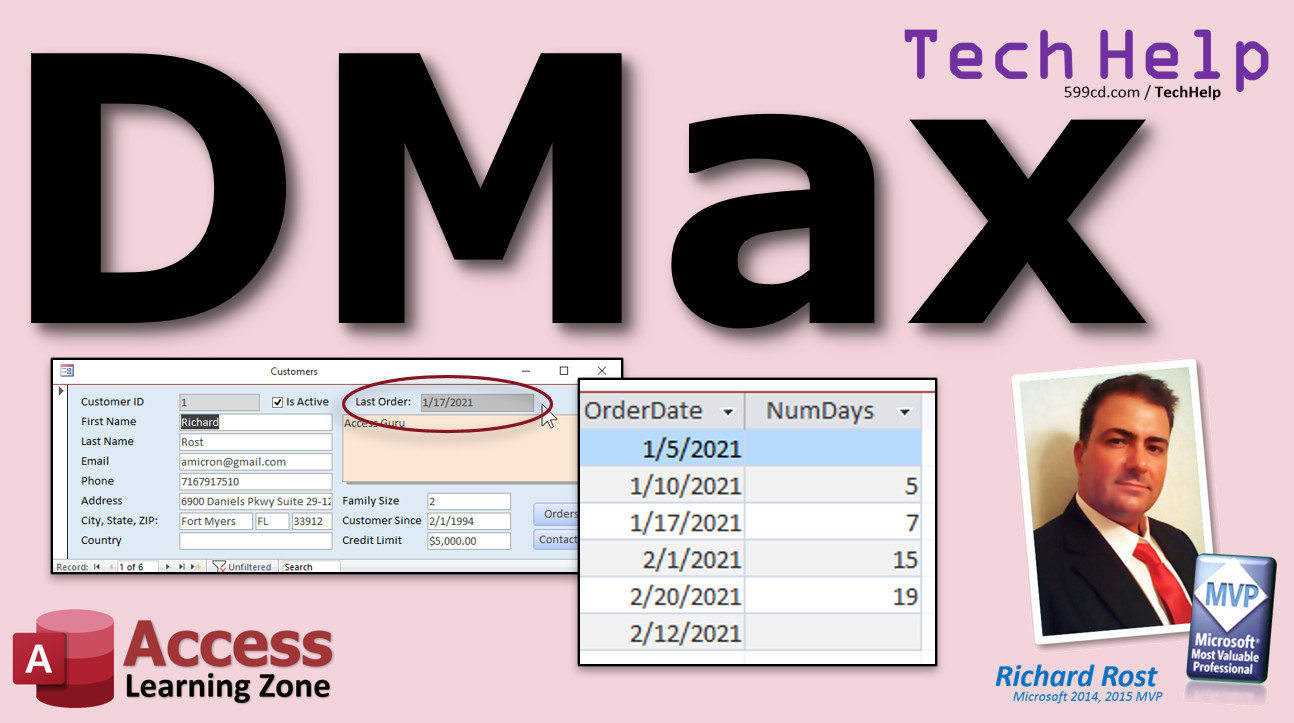 | DMax | Using the DMax Function in Microsoft Access to Return the Largest Value, Most Recent Date, DMin |
| 2021-02-11 | 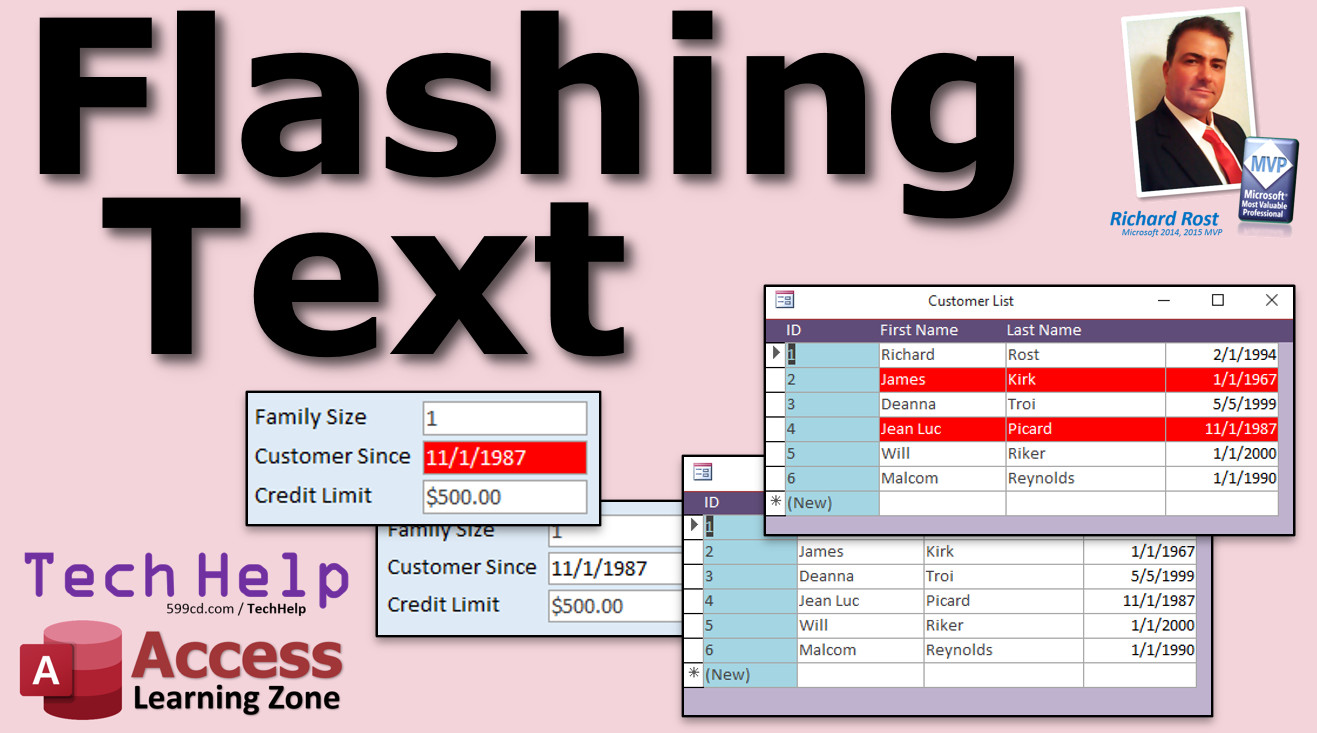 | Flashing Text | Create Flashing Text in Microsoft Access Forms Using a Timer Event - Blinking Red/White Text Box |
| 2021-02-10 | 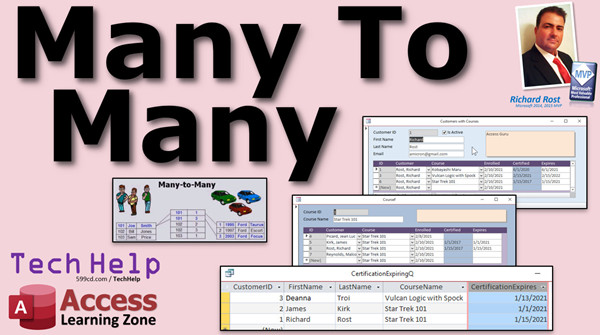 | Many-to-Many | Using Many-to-Many Relationships in Microsoft Access to Track Employee Certifications, Courses, etc. |
| 2021-02-08 | 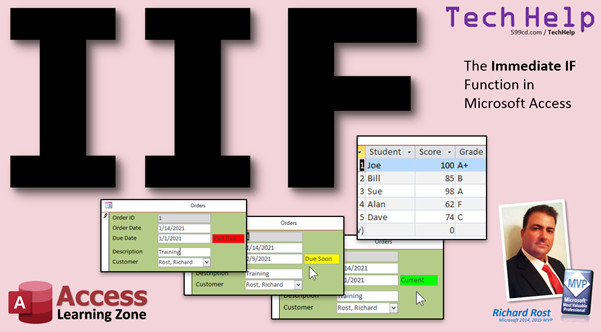 | IIF Function | Immediate IF in Microsoft Access - If/Then in a Single Function - Conditional |
| 2021-02-05 | 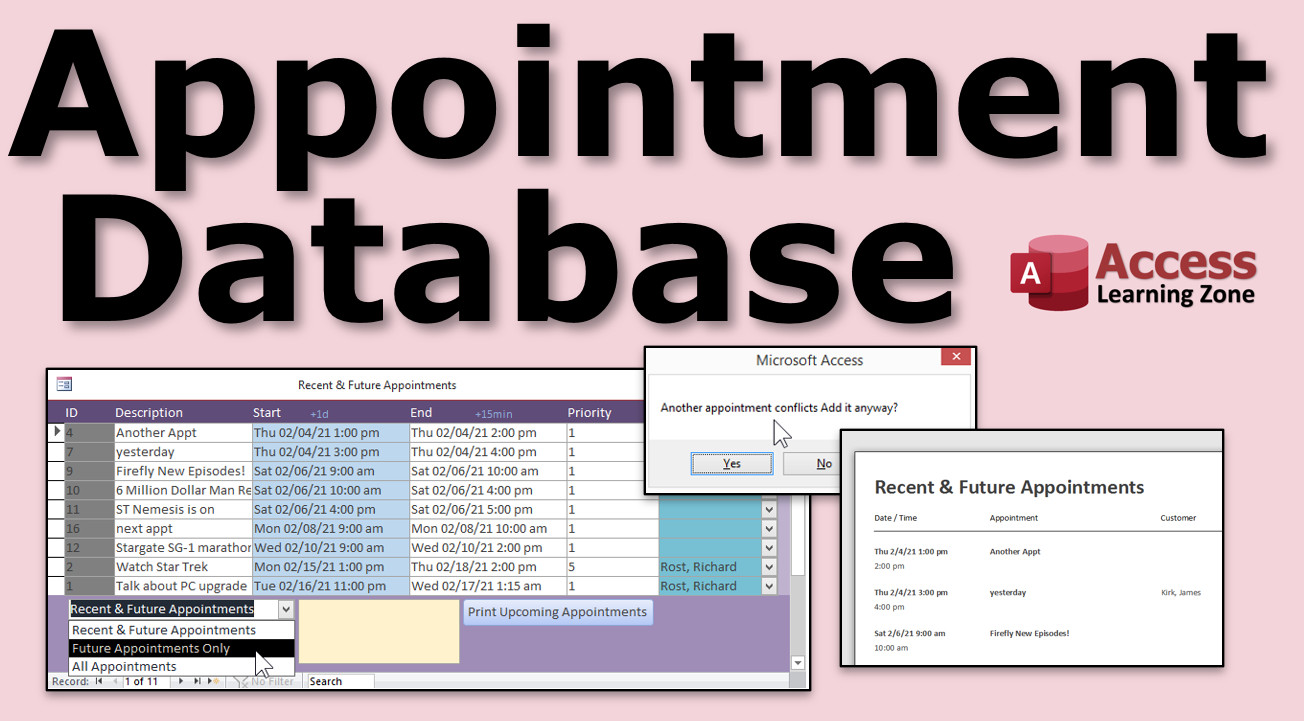 | Appointments | Microsoft Access Appointment Database - Scheduling, Calendar, Tasks, To-Do Items, Planner |
| 2021-02-03 | 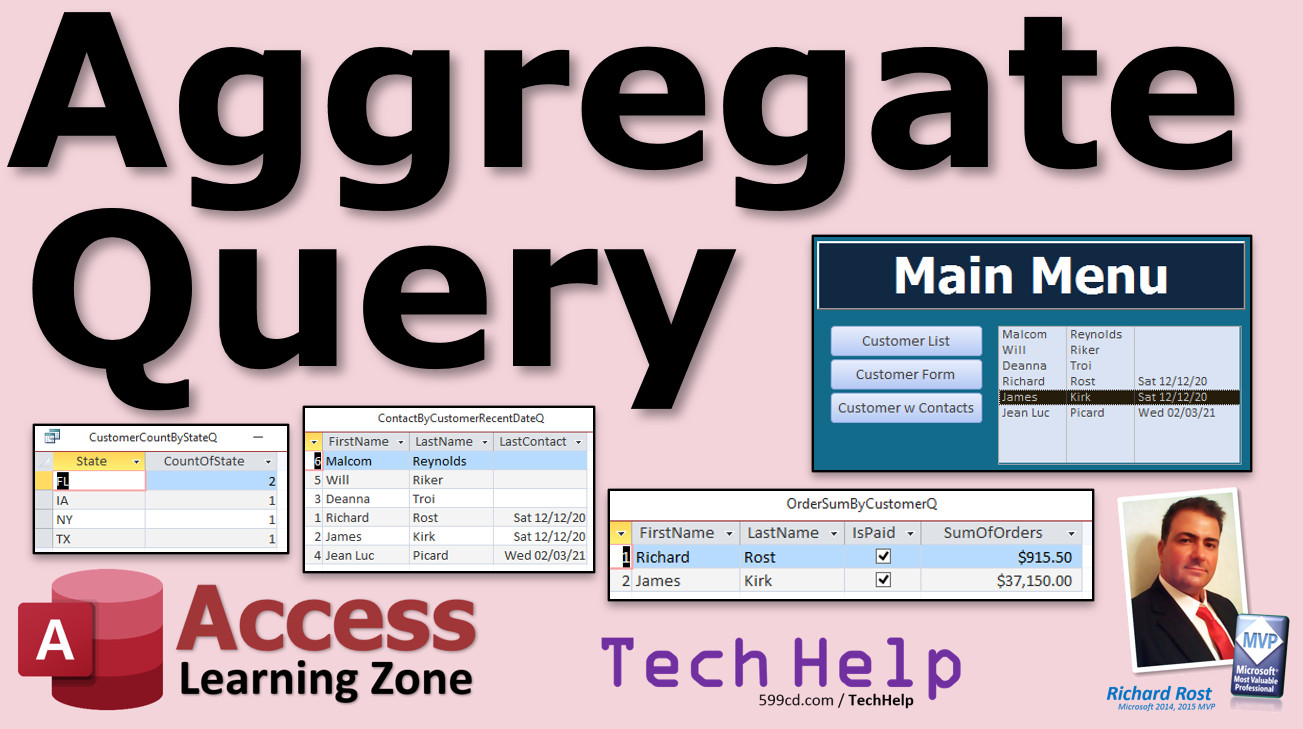 | Aggregate Query | Aggregate Query in Microsoft Access to Show Customer Count by State. Totals. Group By. |
| 2021-02-02 | 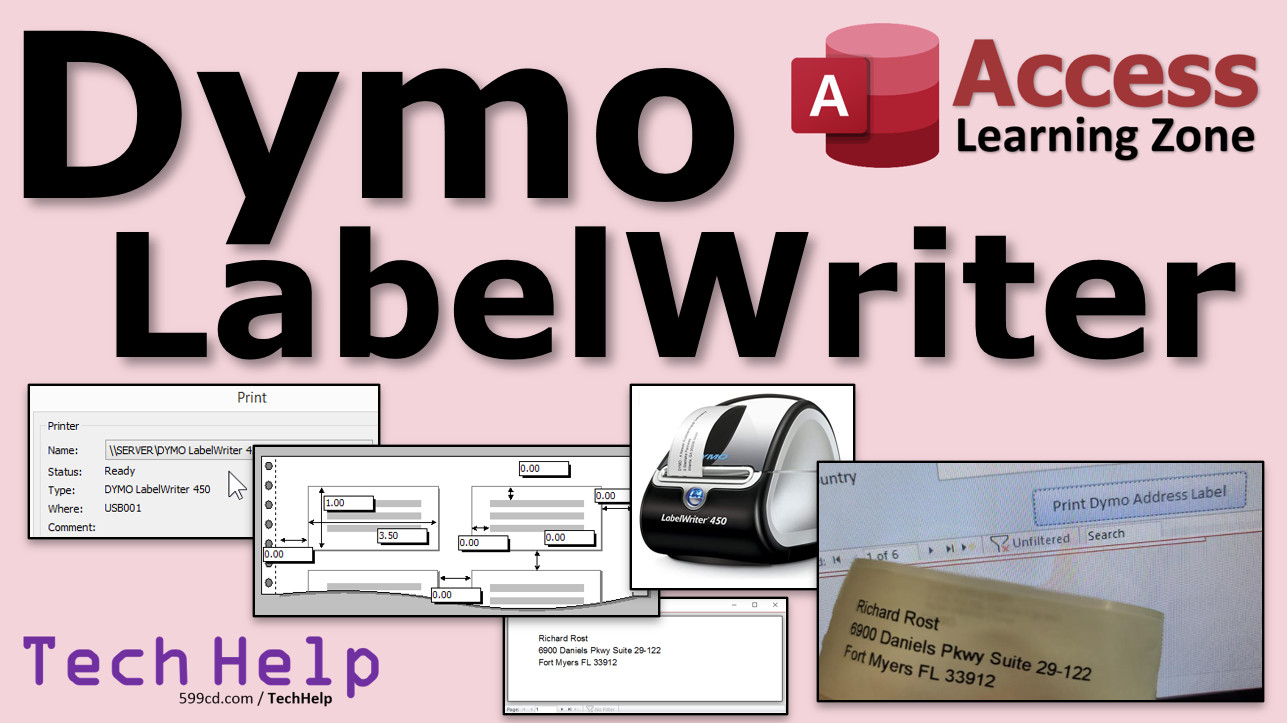 | Dymo Labels | Printing to a Dymo LabelWriter 450 in Microsoft Access - Print One Mailing Label to Specific Printer |
| 2021-01-31 |  | Bang! v Dot. | Should I use the Bang! or Dot. Operator in Microsoft Access Forms |
| 2021-01-29 |  | Arrange Tabular | Use the Tabular Layout on the Arrange Menu in Microsoft Access to Quickly Arrange Form Fields |
| 2021-01-28 | 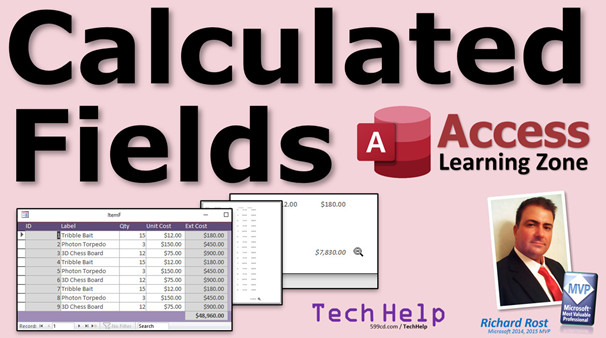 | Calculated Fields | Calculated Fields in Microsoft Access - How to Perform Calculations in Queries and Form Footer Totals |
| 2021-01-27 |  | Suppress Warnings | Suppress Warning Messages for Microsoft Access Action Queries |
| 2021-01-26 |  | Caps Lock On Off | Turn Caps Lock, Num Lock, and Scroll Lock ON or OFF with Microsoft Access VBA using SendKeys |
| 2021-01-25 | 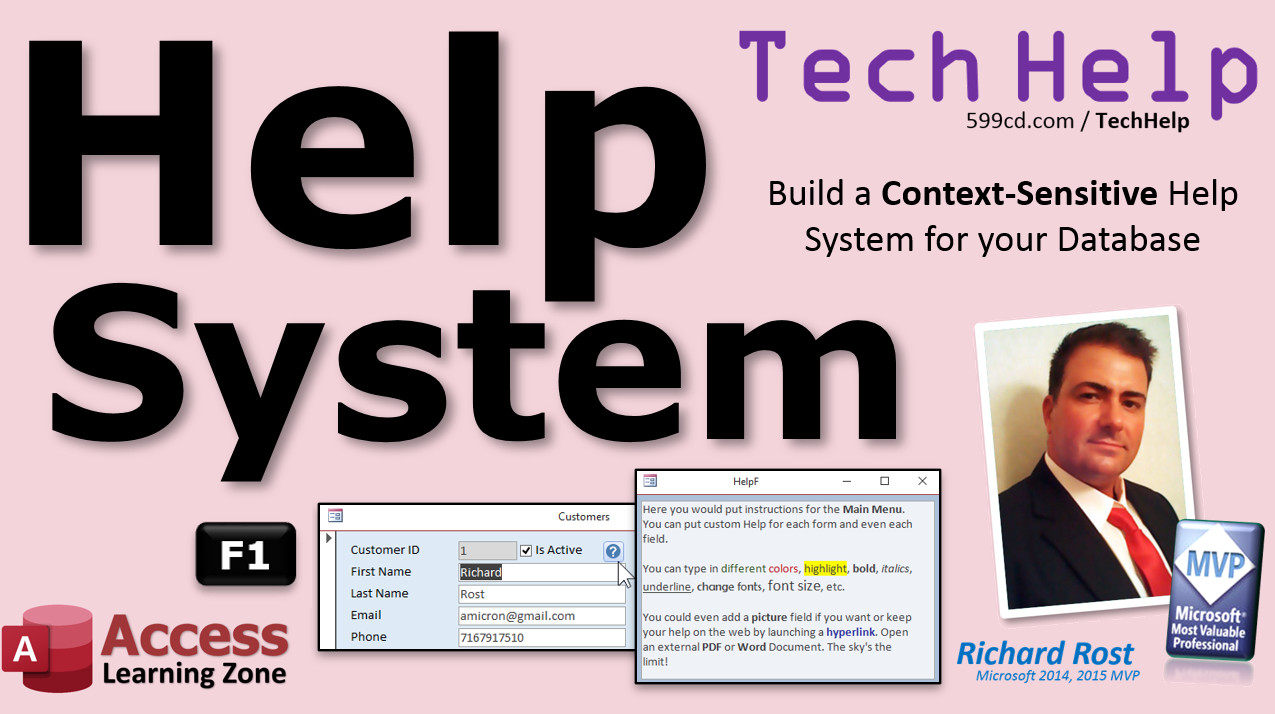 | Help System | Build a Context-Sensitive Help System For Your Microsoft Access Databases |
| 2021-01-24 | 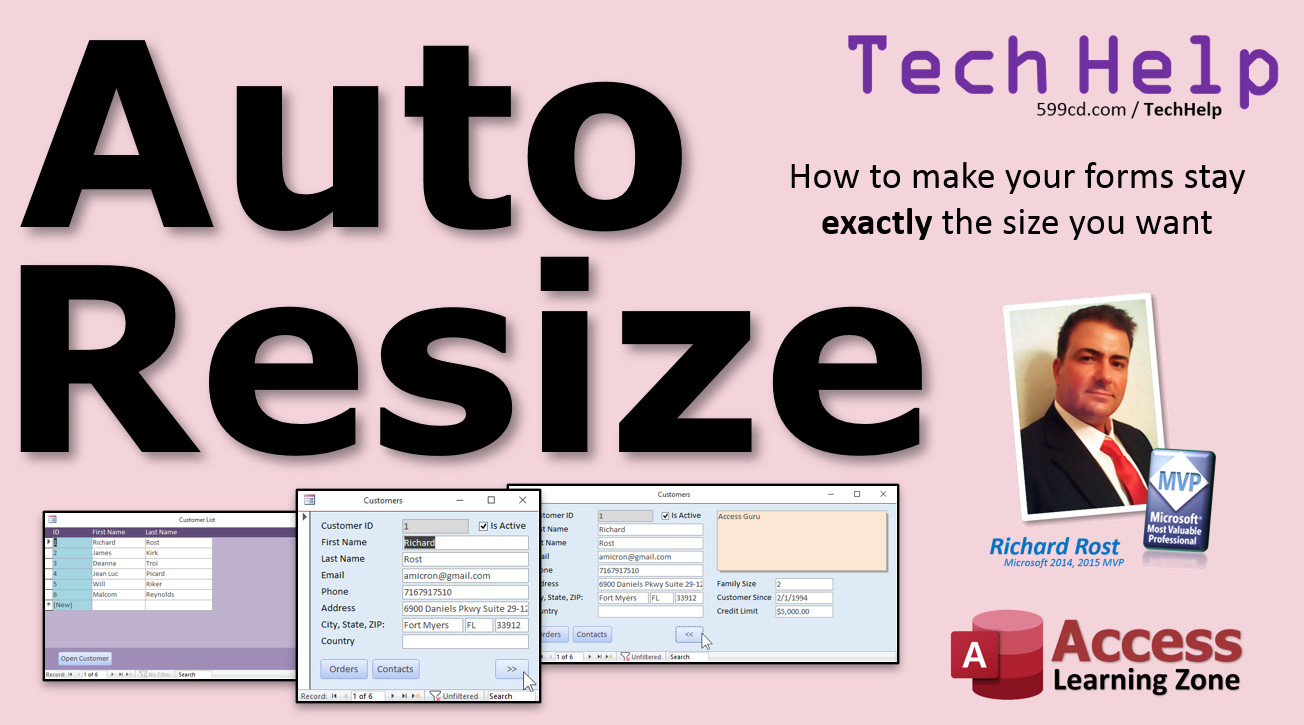 | Form Auto Resize | How to Use the AutoSize Form Property to make your Microsoft Access forms stay exactly the size you want when you save them. |
| 2021-01-23 | 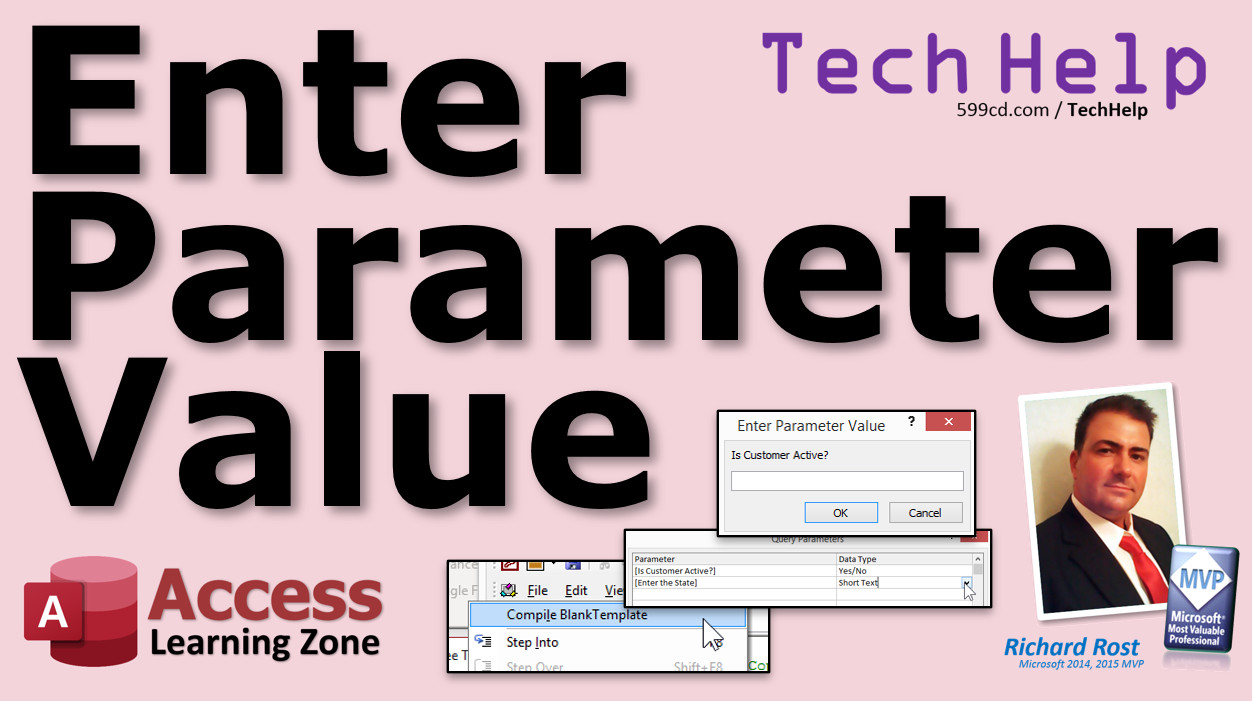 | Enter Parameter Value | What Does the Enter Parameter Value Error in Microsoft Access mean? |
| 2021-01-22 | 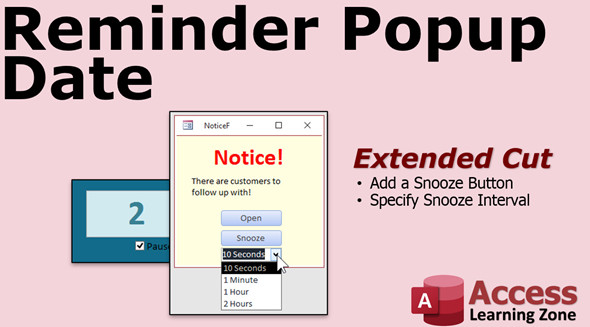 | Reminder Popup Date | How To Create Popup Reminders Based On Dates With Timer Events And Snooze Button in Microsoft Access |
| 2021-01-21 | 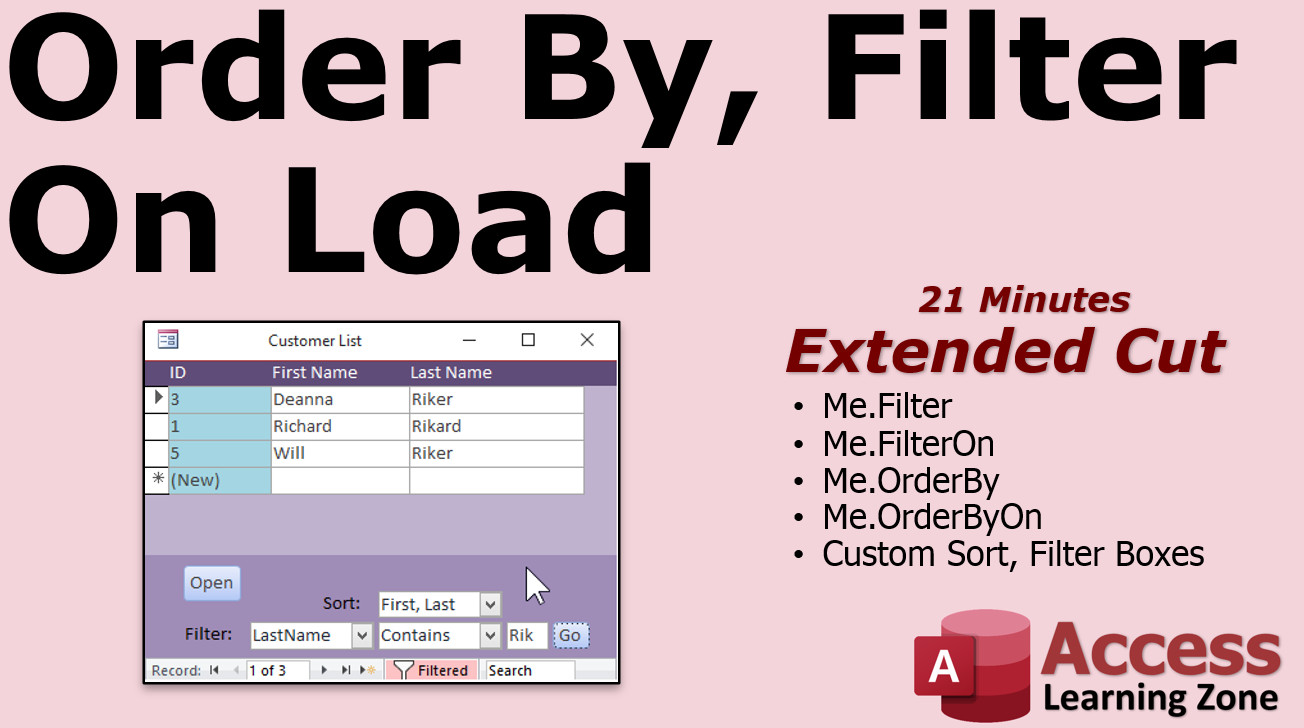 | Order By, Filter On Load | Microsoft Access Order By On Load, Filter On Load Properties |





